The Best Apple Health App Alternatives in 2026
Tech

Key Findings
Apple Health is a solid starting point, but it limits you to the Apple ecosystem and lacks the practical advice needed to actively guide your fitness journey. The best alternative depends on your specific goals: Garmin for detailed athletic tracking, MyFitnessPal for nutrition, Oura for sleep, and Neura for active, daily coaching.
Why you Should Care?
The right Apple Health alternative can help you go beyond basic tracking and turn your fitness, sleep, recovery, nutrition, and daily health data into clearer, more useful insights.
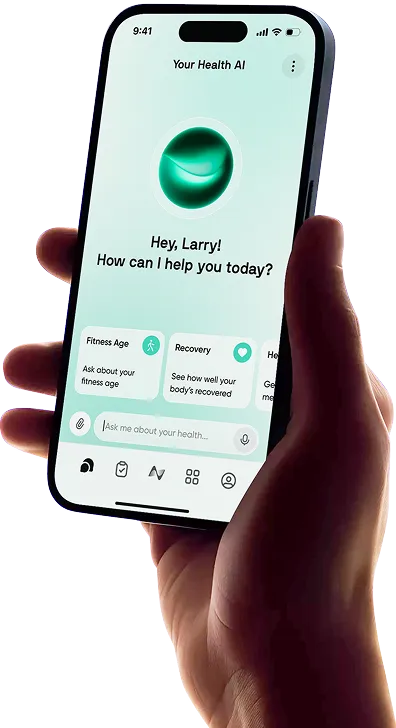
If you use an iPhone, Apple Health is right there, accurately gathering your stats in the background. It does a great job keeping your step count and sleep data in one place.
But sticking with the default option is not always the best fit. You might want to switch devices or wearables, dig into specific metrics, or find a new tool that gives you practical advice instead of just showing you a bunch of charts.
Finding the right fit can help you build better daily habits; a solid fitness app should help you stay on track while fitting into your day without causing stress or confusion.
In this article, we explore the best Apple Health alternatives on the market today, so you can find an option that perfectly aligns with your long- and short-term fitness goals.
What is Apple Health?

Apple Health is the built-in tracking tool for iOS. It acts as a central hub where all your health details live.
If you use an Apple Watch, a smart scale, or a sleep tracking app, Apple Health pulls all that data together into one place. It organizes your stats into basic categories like Activity, Vitals, Nutrition, and Sleep.
One of Apple Health's greatest strengths (as with the wider Apple ecosystem) is how seamlessly it connects with other tools. Because it is built directly into your phone, it links up with hundreds of third-party apps on the iPhone and Apple Watch easily. You rarely need to type in data by hand if your devices are synced up properly.
Apple also focuses heavily on data privacy. Your info is encrypted on your device, and you get to decide exactly which apps can read or write data to your profile.
However, on the flip side, Apple Health has one major drawback.
While it is great at gathering data, it is less effective at giving you actual, actionable guidance. Apple Health will show you charts and figures, but it falls short when it comes to actually telling you what they mean or how to improve.


10 Best Fitness Alternatives to Apple Health
Apple Health is useful for storing health data, but it can feel limited if you want deeper insights, smarter coaching, or a clearer view of how your habits affect your body. These Apple Health alternatives can help you track workouts, recovery, sleep, nutrition, stress, and overall wellbeing in a more practical way.
1. Neura
Neura is a complete health platform that connects fitness, sleep, recovery, nutrition, stress, supplements, medications, and daily habits in one place. Instead of only showing your data, it helps interpret what your metrics mean and turns them into personalized next steps.
Key features:
Fitness, sleep, nutrition, stress, supplement, and medication tracking
Best for: Users who want a full health operating system, not just a fitness tracker.
2. Athlytic
Athlytic is a strong Apple Watch companion app for people who want better recovery and training insights from their existing Apple Health data. It focuses on readiness, exertion, sleep, and workout load.
Read our hands-on Athlytic Review here.
Key features:
Recovery score
Exertion and target exertion
HRV and resting heart rate insights
Workout analysis
Apple Watch widgets and complications
Best for: Apple Watch users who want WHOOP-style recovery insights without buying another wearable.
3. Bevel
Bevel is another Apple Watch-focused health app that brings together recovery, sleep, strain, stress, strength training, and nutrition insights. It has a polished feel and is useful for users who want a cleaner, more lifestyle-focused alternative to Apple Health.
See our Dedicated Bevel Health Review here.
Key features:
Recovery, sleep, strain, and stress tracking
Energy Bank score
Strength Builder
Nutrition and macro tracking
Biological age insights
Best for: Users who want a modern Apple Watch health dashboard with fitness and recovery guidance.
4. WHOOP
WHOOP is a dedicated wearable and app focused on recovery, strain, sleep, stress, and performance. Unlike Apple Health, it is built around coaching you on when to push, when to recover, and how your habits affect readiness.
Learn more about the different WHOOP tiers.
Key features:
Recovery score
Strain tracking
Sleep coaching
HRV, resting heart rate, and respiratory rate tracking
WHOOP Coach
Best for: Serious fitness users who want a dedicated recovery and performance wearable.
5. Oura
Oura is best known for sleep and readiness tracking through a smart ring. It gives you a more passive, low-distraction way to monitor your body, especially if you care about sleep quality, recovery, stress, and long-term health trends.
Key features:
Sleep, Readiness, and Activity scores
HRV and resting heart rate tracking
Temperature trends
Stress and resilience insights
Smart ring design
Best for: Users who want discreet sleep, recovery, and wellness tracking without wearing a watch.
6. Garmin Connect
Garmin Connect is one of the strongest Apple Health alternatives for endurance athletes, runners, cyclists, and anyone using a Garmin device. It offers deeper performance metrics than Apple Health, including training load, Body Battery, VO2 max, stress, sleep, and recovery insights.
Key features:
Training load and training status
Body Battery
Sleep, stress, heart rate, and activity trends
Custom workouts and courses
Garmin device integration
Best for: Runners, cyclists, endurance athletes, and Garmin users who want detailed training analytics.
7. Fitbit or Google Health
Fitbit, now increasingly connected with Google Health, is a simple and accessible Apple Health alternative for tracking activity, sleep, heart rate, workouts, and daily wellness. It is less advanced than Garmin or WHOOP, but easier for casual users to understand.
Key features:
Step and activity tracking
Sleep tracking
Heart rate and zone tracking
Stress and wellness insights
Fitbit device integration
Best for: Beginners and casual users who want simple fitness and health tracking.
8. Strava
Strava is less of a full health dashboard and more of a social fitness platform. It is especially popular for running, cycling, hiking, and outdoor workouts, with strong route, segment, and community features.
Key features:
GPS workout tracking
Running, cycling, walking, hiking, and more
Segments and leaderboards
Route planning
Social fitness community
Best for: Runners, cyclists, and outdoor athletes who want motivation, competition, and community.
9. MyFitnessPal
MyFitnessPal is one of the best Apple Health alternatives if your main focus is nutrition. It helps track calories, macros, meals, water, weight goals, and exercise, making it useful for weight loss, muscle gain, or improving diet consistency.
Key features:
Food database and barcode scanning
Water, weight, and exercise tracking
Nutrition goals
AI nutrition coaching features
Best for: Users who want better nutrition tracking alongside their fitness routine.
10. Gentler Streak
Gentler Streak is a fitness tracker built around consistency, recovery, and avoiding burnout. Instead of pushing you to close rings every day, it helps you understand when to train, when to ease off, and how to stay active in a healthier way.
See our Gentler Streak Review for more insights.
Key features:
Activity Path
Daily workout guidance
Recovery-aware training suggestions
Apple Watch support
Apple Health integration
Best for: Users who want a kinder, more balanced alternative to Apple’s ring-closing approach.
Discover a More Personalized Approach to Fitness

Apple Health is useful for collecting data, but it does not always explain what that data means for your body. Neura takes a more personalized approach by connecting your fitness, sleep, recovery, stress, nutrition, supplements, medications, and daily habits into one health system.
Instead of treating workouts as isolated events, Neura helps you understand how your wider routine affects your performance. A low-energy training day might be linked to poor sleep, high stress, low recovery, inconsistent meals, or a heavier workload.
Neura helps connect all the signals so you can make smarter decisions about when to push, rest, or adjust your plan.
With Neura, you can create personalized health and fitness plans, build custom dashboards, connect your wearables and apps, and use an AI health coach to turn your data into clear daily guidance.
For users who want more than basic activity tracking, Neura offers a smarter way to manage fitness as part of your whole health, not separate from it.
Final Thoughts: Best Apple Health Alternatives
Apple Health is a useful starting point, but the best Apple Health alternatives go further by helping you understand your data and take action. Whether you want better workout tracking, deeper recovery insights, smarter nutrition support, or a clearer view of your overall wellbeing, the right app depends on what you want to improve.
Apps like Athlytic, Bevel, WHOOP, Oura, Garmin Connect, Strava, MyFitnessPal, and Gentler Streak each offer something different, from performance tracking to sleep, recovery, and nutrition.
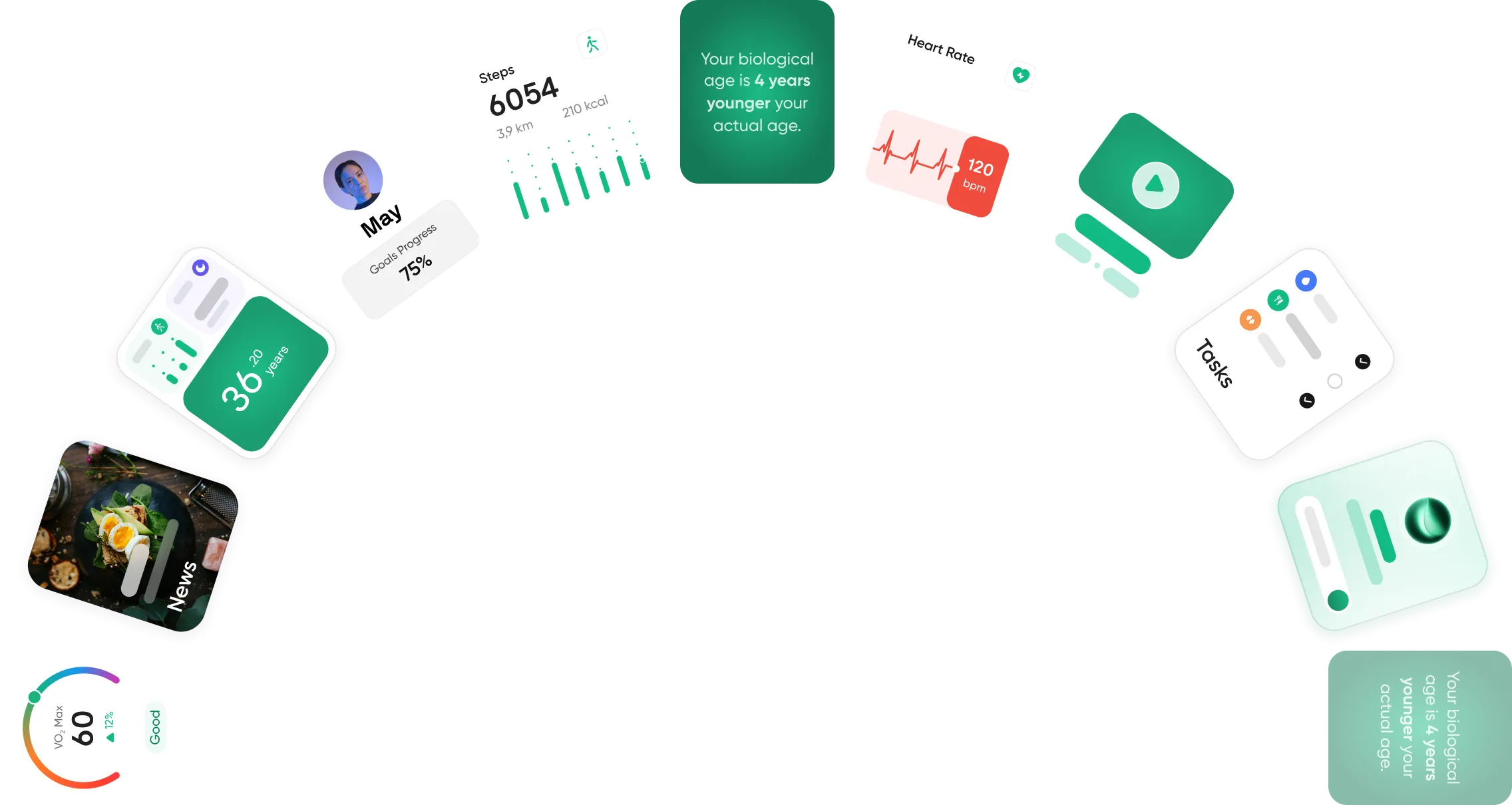
For users who want a more connected approach, Neura stands out by bringing fitness, sleep, stress, recovery, nutrition, supplements, medications, and daily habits into one personalized health system. Instead of leaving your data scattered across different apps, Neura helps turn it into clear, practical guidance for your everyday health.
Article FAQ
Can you connect Fitbit to Apple Health?
Yes, you can connect Fitbit to Apple Health, but you typically need a third-party app to make it work. Fitbit does not share its data directly with Apple Health on its own. To link the two, download an app from the App Store, like Sync for Fitbit or Fitbit to Apple Health Sync. Open the downloaded app and follow the on-screen steps to authorize the transfer of your health data.
How to connect Garmin to Apple Health?
To connect Garmin to Apple Health, open your Garmin Connect app and tap the "More" tab at the bottom right of your screen. Scroll down to "Settings" and tap on "Connected Apps." Select "Apple Health" from the list and turn on the specific data categories you want to share, such as steps or sleep data.
Is Apple Health free to use?
Yes, Apple Health is free to use. It comes pre-installed on every iPhone. There are no hidden subscription fees or premium tiers required to use the main dashboard or track your daily steps. However, some third-party apps that send data into Apple Health might require their own separate subscriptions.
What is the best Apple Health alternative for Android users?
Google Fit and Samsung Health are the best Apple Health alternatives for Android users. Google Fit provides a very clean, simple layout that works across almost any phone to track basic daily movement. Samsung Health provides a deeper tracking experience, pulling your sleep, stress, and nutrition data into one place.
Does MyFitnessPal sync directly with Apple Health?
Yes, MyFitnessPal syncs directly with Apple Health. When you link them together, MyFitnessPal reads your daily step count and workout calories from Apple Health to update your daily goals. MyFitnessPal also sends your logged food data right into your Apple Health dashboard. You can turn this setting on in the MyFitnessPal settings menu under "Apps and Devices."
Can I use Apple Health without an Apple Watch?
Yes, you can use Apple Health without an Apple Watch. Your iPhone has built-in motion sensors that track your steps, walking distance, and flights of stairs climbed whenever the phone is in your pocket. You can also connect other third-party smart scales or manually log your data without needing a watch.