Calm Vs. Headspace: Which is the Better App for Sleep?
Tech

Key Findings
The choice for sleep here depends on whether you prefer immersion or instruction. Calm is the leader for sensory relaxation, using celebrity-narrated stories and high-fidelity nature sounds to provide an immediate mental escape. Headspace excels in habit-building, utilizing structured "Sleepcasts" and specialized SOS sessions to teach your brain the long-term skills needed to settle itself. Choose Calm for a spa-like experience or Headspace for a clinical, skill-based approach to rest.
Choosing between Calm and Headspace can be difficult, especially if your main goal is better sleep. Both apps offer sleep meditations, breathing exercises, calming audio, bedtime stories, and relaxation tools, but they take slightly different approaches to helping you wind down at night.
In this guide, we’ll compare Calm vs. Headspace for sleep, looking at their key features, content quality, ease of use, pricing, and overall value. By the end, you’ll have a clearer idea of which app is better suited to your sleep routine, whether you struggle to fall asleep, stay asleep, or simply want a more relaxing way to end the day.
How Do Meditation Apps Help You Sleep?
Meditation apps can help you sleep by making it easier to calm your mind and relax your body before bed. Features like guided meditations, breathing exercises, sleep stories, calming music, and body scans can reduce mental noise and create a more consistent wind-down routine.
They are not a cure for serious sleep issues, but they can be useful if stress, overthinking, or poor bedtime habits are making it harder to fall asleep.


Calm: Review (2026)

Calm is one of the most popular meditation apps for sleep, and its biggest strength is how easy it makes relaxation feel.
Rather than focusing only on traditional meditation, Calm offers a wide range of bedtime-friendly content, including Sleep Stories, guided meditations, calming music, soundscapes, breathwork, and stretching exercises.
How Does Calm Improve Your Sleep?
Calm helps improve sleep by giving you structured ways to unwind before bed. Its Sleep Stories are especially useful for people who struggle with racing thoughts, while its meditations, soundscapes, and calming music can help create a more consistent nighttime routine.
The app is less about tracking your sleep and more about preparing your mind and body for rest. This makes it a strong choice if stress, anxiety, overthinking, or poor wind-down habits are affecting your sleep.
Calm Beyond Sleep
Although Calm is well known for sleep, it also includes content for meditation, stress relief, focus, breathwork, stretching, and general mental wellbeing. This makes it more useful if you want an app that supports your full day, not just your bedtime routine.
You can use Calm in the morning for mindfulness, during the workday for focus, or in the evening to relax. Its broad content library is one of the main reasons it appeals to beginners and regular meditation users alike.
Pros
Excellent range of sleep-focused content
Strong Sleep Stories library
Easy to use, especially for beginners
Includes meditation, music, soundscapes, breathwork, and stretching
Useful for stress relief beyond bedtime
Good option for building a consistent wind-down routine
Cons
Less focused on sleep tracking or sleep data
Full content library requires a subscription
Some users may prefer a more structured meditation course
Sleep Stories may not appeal to everyone
Can feel more content-led than habit-coaching focused
Verdict:
Calm is a strong choice if you want a relaxing, easy-to-use app that helps you wind down and fall asleep more peacefully. Its Sleep Stories, meditations, and soundscapes make it especially useful for people whose sleep is disrupted by stress or overthinking.
However, Calm is less suited to users who want detailed sleep tracking, data analysis, or highly structured behavioural coaching. It is best for people who want better bedtime content and a calmer routine, rather than a full sleep optimization platform.
Headspace: Review (2026)
Headspace is a meditation and mindfulness app designed to make mental wellbeing feel simple, structured, and approachable.
For sleep, it offers guided sleep meditations, wind-down exercises, breathing sessions, sleep music, soundscapes, and relaxing audio experiences called Sleepcasts.
Compared with Calm, Headspace often feels more guided and educational. It is a strong option if you want help building a more consistent sleep routine, rather than just choosing relaxing content before bed.
How Does Headspace Improve Your Sleep?
Headspace helps improve sleep by teaching you how to slow down your thoughts, relax your body, and create a more intentional bedtime routine. Its sleep meditations and wind-down exercises are useful for people who struggle to switch off at night.
The app is especially helpful if stress, anxiety, or overthinking are keeping you awake. Instead of only offering calming audio, Headspace gives you guided techniques that can help you develop better long-term sleep habits.
Headspace Beyond Sleep
Headspace also includes a wide range of content for meditation, stress, focus, anxiety, movement, mindfulness, and everyday mental wellbeing. This makes it useful throughout the day, not just at night.
Its structured courses are one of its biggest strengths. Beginners can follow guided programs to learn meditation step by step, while more experienced users can use shorter sessions for focus, stress management, or daily mindfulness.
Pros
Strong guided meditation structure
Good for beginners learning mindfulness
Useful sleep meditations and wind-down exercises
Includes Sleepcasts, music, and soundscapes
Supports stress, focus, anxiety, and general wellbeing
Better for users who want more guidance and habit-building
Cons
Sleep content may feel less entertainment-focused than Calm
Full access requires a subscription
Some users may prefer a larger Sleep Stories-style library
The structured approach may feel less flexible
Not focused on sleep tracking or detailed sleep data
Verdict:
Headspace is a strong choice if you want a more structured, guided approach to better sleep. Its meditations, wind-down exercises, and mindfulness tools make it especially useful for people who want to calm their mind and build healthier bedtime habits over time.
It may not feel as rich in sleep entertainment as Calm, but it offers clearer guidance for users who want to learn practical relaxation techniques. If your sleep issues are linked to stress, overthinking, or inconsistent routines, Headspace is one of the better apps to consider.
Headspace vs Calm for Sleep: Which is Better?
Calm and Headspace can both help you build a better bedtime routine, but they suit slightly different types of users.
Calm is usually the better choice if you want relaxing sleep content, especially Sleep Stories, calming music, and soundscapes that make it easy to drift off.
Its sleep library is broad, soothing, and ideal for people who want bedtime to feel less structured and more comforting.
Calm says its sleep section includes Sleep Stories, sleep meditations, music, and sleep sounds.
Headspace is the better choice if you want a more guided approach to sleep.
Its sleep content includes meditations, wind-downs, sleep music, soundscapes, and Sleepcasts, but the overall feel is more educational and habit-focused. Headspace is especially useful if you want to learn techniques for calming your mind, reducing stress, and creating a more consistent sleep routine.
Overall, Calm is best for people who want the most relaxing bedtime experience, while Headspace is best for people who want more structure and mindfulness guidance.
Neither app is really designed for sleep tracking or deep sleep data, so if you want to understand how your sleep connects with stress, fitness, nutrition, and daily habits, you may need a broader health platform alongside them.
Calm vs Headspace: Features Comparison
Calm’s standout features:
Sleep Stories: Calm has one of the strongest sleep story libraries, making it especially useful if you like narrated bedtime content.
Relaxing audio variety: The app offers a wide mix of sleep music, nature sounds, soundscapes, and calming audio for different bedtime preferences.
More soothing, entertainment-led experience: Calm feels less like a course and more like a relaxing sleep library you can dip into whenever you need help winding down.
Headspace’s standout features:
Sleepcasts: Headspace offers Sleepcasts, which are guided audio experiences designed to create a relaxed mental environment before sleep.
Structured wind-down exercises: Headspace is stronger if you want guided breathing, meditation, and mindfulness techniques to build a better nighttime routine.
Clearer mindfulness education: The app does a better job of teaching you how to manage stress, racing thoughts, and bedtime anxiety over time.
Alternative Sleep Apps
If you find that neither of these giants fits your lifestyle, there are several other options in 2026 that offer unique features for rest.
BetterSleep
BetterSleep is a strong alternative if you want a sleep app built around relaxing audio. It includes sleep sounds, music, SleepTales, meditations, hypnosis, and sleep tracking, making it a good choice for people who like customizing their bedtime soundscape.
Sleep Cycle
Sleep Cycle is better suited to users who want sleep tracking rather than meditation. It tracks sleep duration, wake frequency, sleep stages, snoring, and other nighttime patterns, with a smart alarm designed to wake you at a lighter stage of sleep.
Sleep Reset
Sleep Reset is a more structured option for people dealing with insomnia. It focuses on CBT-I, personalized sleep plans, sleep logging, daily lessons, relaxation tools, and coaching support, rather than simply offering sleep sounds or bedtime stories.
Insight Timer
Insight Timer is a good free or low-cost alternative if you want access to a large library of guided meditations, sleep music, breathing exercises, and mindfulness content. It is less polished than Calm or Headspace, but it offers a lot of variety.
Neura
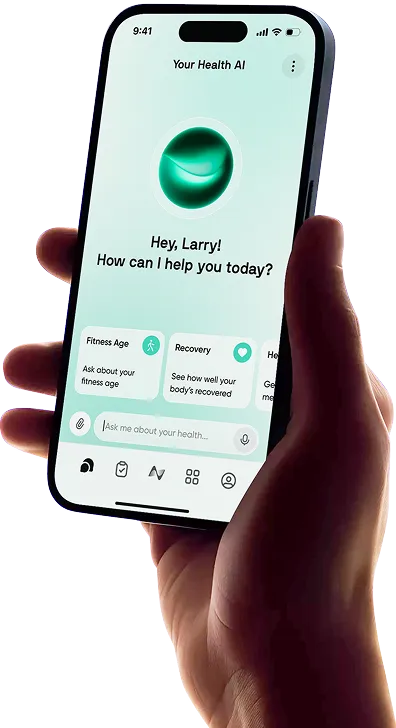
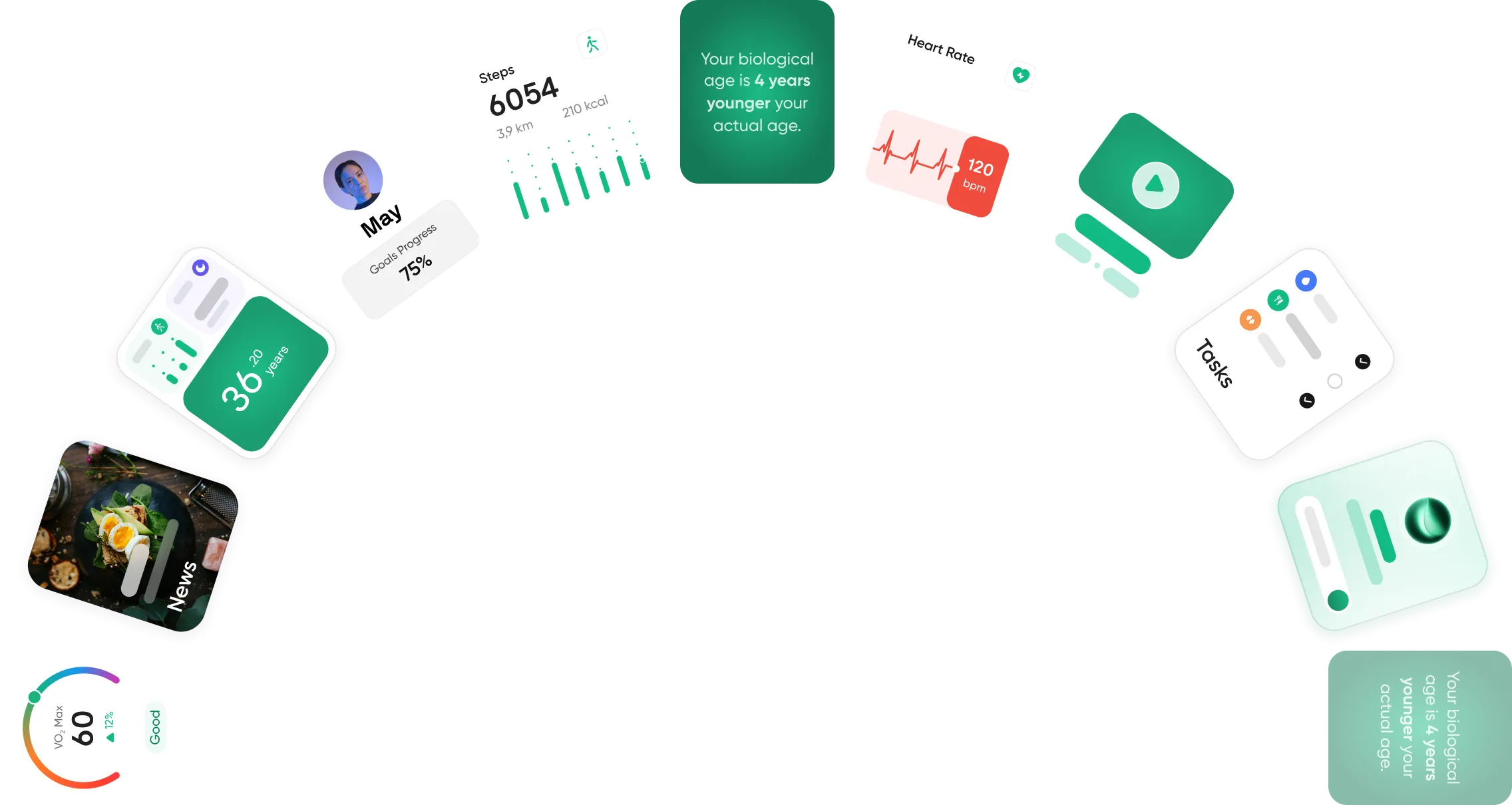
Neura is a better fit if you want to go beyond sleep content and understand what is affecting your rest. By connecting sleep with fitness, stress, nutrition, supplements, medications, and daily habits, Neura helps you identify patterns and build personalized plans to improve sleep as part of your overall health.
Final Thoughts: Headspace or Calm?
Calm and Headspace are both strong sleep apps, but they are best suited to different needs.
Calm is the better choice if you want soothing bedtime content, Sleep Stories, music, and soundscapes that help you relax quickly.
Headspace is better if you want more structure, guided meditation, and practical techniques for managing stress and racing thoughts at night.
For most people choosing purely for sleep, Calm has a slight edge because its bedtime library feels more immersive and sleep-focused.
However, if your main challenge is building a calmer mind and a more consistent routine, Headspace may be the better long-term option.
Ultimately, the best app depends on what is keeping you awake. If you need relaxing audio, choose Calm. If you need guided mindfulness, choose Headspace.
If you want to understand how sleep connects with your wider health, habits, and recovery, Neura can help you look beyond bedtime content and turn your data into clearer next steps.
Article FAQ
Is the Calm app worth it?
Calm is worth the investment if you struggle with insomnia. Its library of celebrity-led Sleep Stories and high-fidelity soundscapes provides immediate, effective distraction for a racing mind.
How to use the Calm app?
Select a goal like "Better Sleep" upon signup. To rest, go to the Sleep tab, choose a Story, and use the built-in sleep timer to ensure the audio fades out after you fall asleep.
Is Headspace worth it?
Headspace is worth it for those seeking a structured mental health "gym." It is ideal if you want to learn mindfulness techniques through linear courses rather than just listening to ambient sounds.
Does Calm or Headspace have a better free version?
Both are highly restricted. Headspace offers a "Basics" course, while Calm provides a few rotating stories. Most users will need the 7-to-14-day free trial to experience the full benefits.
Can I use these apps offline?
Yes. Both allow you to download Sleep Stories, Sleepcasts, and meditations. This is perfect for using "Airplane Mode" at night to prevent late-night notifications from interrupting your rest.
Are there student or family discounts?
In 2026, both offer significant deals. Headspace has a student plan for $9.99/year, while Calm offers a Family Plan for $99.99/year that covers up to six individual accounts.