
Runna vs Garmin Coach vs Nike Run Club: Which Running App Is Best?
Tech

Key Findings
Runna is the best choice for personalized race training, with adaptive plans, pace targets, and broad smartwatch support. Garmin Coach is ideal for Garmin users who want workouts informed by recovery and health data, while Nike Run Club is the strongest free option thanks to its training plans and 300+ Audio Guided Runs. The best choice ultimately depends on whether you value deeper personalization, Garmin integration, or free guided coaching.
Following a training plan can make running feel much more manageable, whether you are building up to your first continuous mile or trying to shave time off a marathon PB.
Instead of deciding what distance, pace, or workout to do every time you head out, a running app can give your week some structure and help you progress more consistently.
Runna, Garmin Coach, and Nike Run Club all approach this differently. Runna focuses heavily on personalized plans and race performance.
Garmin Coach combines structured training with the health and recovery data collected by Garmin watches.
Nike Run Club takes a more accessible approach, with free training plans and hundreds of coach-led runs.
There is plenty of competition among the best running apps, but these three stand out because they offer more than basic GPS tracking.
Each can actually tell you what to run and when, making them useful for runners who want some form of coaching without hiring a personal coach.
Why Use a Running Training App?
A running training app can be especially helpful if you have a goal in mind but are not sure how to structure the weeks leading up to it. A good plan balances harder efforts with easier runs and recovery rather than simply telling you to run farther every week.
That can be useful whether you are training for a race or simply trying to become a more consistent runner.
Benefits of a Running Training App
More structure: You know what type of run to complete each day instead of making up your training as you go.
Progressive training: Plans can gradually increase distance, intensity, and workout difficulty as your fitness improves.
Better accountability: A scheduled plan makes it easier to see whether you are actually completing the training needed to reach your goal.
Clearer pacing: Guided workouts and pace targets can help separate easy runs, tempo work, intervals, and race-pace sessions.
Race preparation: Longer plans can organize mileage, speed work, long runs, and tapering around a specific race date.
Runna vs Garmin Coach vs Nike Run Club: Comparison at a Glance

All three apps can add structure to your running, but the amount of personalization, coaching, and wearable support varies considerably.
Comparison | Runna | Garmin Coach | Nike Run Club |
Best For | Personalized race preparation and performance goals | Garmin users wanting recovery-aware training | Beginners and runners wanting free guided coaching |
Price | $19.99/month or $119.99/year | Free with a compatible Garmin watch | Free |
USP | Highly customizable plans for almost any running goal | Adapts daily using Garmin health and recovery data | Around 300 free Audio Guided Runs |
Key Features | Pace targets, adaptive plans, strength sessions, mobility and live cues | Run Coach, expert-led plans, on-watch workouts and recovery integration | Guided Runs, training plans, GPS tracking, challenges and achievements |
Training Plans | Beginner, 5K, 10K, half marathon, marathon, ultramarathon and custom goals | 5K to marathon, with custom distances on supported watches | Six plans covering beginners through to marathon training |
Personalization | Based on ability, schedule, target time, and performance | Based on performance, sleep, stress, recovery and fitness data | Primarily fixed plans, with flexibility to select runs and pace |
Watch Support | Works with Garmin, Apple Watch, COROS, Suunto and other devices | Requires a compatible Garmin watch | Phone, Apple Watch and Wear OS |
Coaching Style | Structured, detailed and performance-focused | Data-driven and responsive to daily readiness | Motivational, accessible and audio-led |
Runna currently costs $19.99 per month or $119.99 annually, with a seven-day free trial. Nike continues to provide its running plans and more than 300 Guided Runs for free, while Garmin Coach plans are included for users with compatible Garmin devices.


Runna, Garmin Coach and Nike Run Club: In-Depth Reviews

Here is a closer look at how each app handles training plans, coaching, personalization, and day-to-day running.
Runna Review
Runna is the most training-plan-focused app of the three.
Almost everything revolves around creating a structured schedule based on what you are training for, how often you can run, and what you want to achieve.
It is also the option that feels closest to having a traditional running program mapped out for you rather than simply choosing workouts from a library.
How Does Runna Work?
When setting up Runna, you choose a goal such as getting into running, improving your 5K, preparing for a marathon, or training for a longer event. Custom plans can also be created for specific race dates and distances.
Runna then builds a schedule around your current running ability, availability, and performance goal.
Workouts can include easy runs, intervals, tempo sessions, and long runs, with recommended pacing for each.
The app can also deliver the workout directly to compatible watches, so you can receive pace, distance, and interval prompts without repeatedly checking your phone.
Current integrations include Apple Watch, Garmin, COROS, Suunto, and Fitbit.
Runna: Key Features
These are some of the most powerful features available from the Runna app:
Personalized plans: Runna builds your schedule around your experience, goal, available training days, and target performance.
Pace targets: Individual sessions can include specific pace ranges, making it easier to distinguish easy running from speed and race-specific work.
Strength training: Optional strength plans can be added alongside running, with sessions customized by ability, equipment, duration, and frequency.
Mobility and cross-training: Yoga, Pilates, and stretch and stability sessions can also be added to support your running schedule.
Watch-based coaching: Compatible watches can display workout stages and provide live prompts telling you when to speed up, slow down, rest, or move to the next interval.
Who Is Runna For?
Runna makes the most sense for runners with a fairly clear goal. That could be completing a first race, improving a previous time, or progressing to longer distances.
Beginners can use its New to Running plans, but Runna becomes particularly useful once you care about things like weekly mileage, intervals, and target pace.
If you are comparing Runna vs Nike Run Club, the biggest reason to choose Runna is personalization.
Nike provides excellent coaching content, but Runna builds a more specific schedule around your own goals and performance.
Verdict
Runna is the strongest option here for runners who want a detailed plan and are willing to pay for it.
At $19.99 per month, it is considerably more expensive than the other two, but you get much more control over how your training is structured.
Garmin Coach Review
Garmin Coach is a particularly appealing option if you already train with a Garmin watch.
Rather than introducing another separate platform into your routine, training plans live within Garmin Connect and workouts sync directly to your watch.
Its biggest advantage is how much training and health information Garmin already has available when you wear one of its watches throughout the day.
How Does Garmin Coach Work?
There are two Garmin running-plan systems worth distinguishing.
Garmin's expert-led plans allow runners to choose a plan from Jeff Galloway, Greg McMillan, or Amy Parkerson-Mitchell.
These plans are available for goals such as the 5K, 10K, and half marathon and can adjust based on how you perform during the program.
The newer Garmin Run Coach takes personalization further.
Instead of relying primarily on workout performance, it can use information collected by compatible Garmin watches, including training history, VO2 max, sleep, stress, and recovery status. Your daily workout can then change depending on how well you are recovering.
Garmin currently positions its running plans for runners training anywhere from a first 5K through marathon goals. Device compatibility varies, particularly for the newer Run Coach features.
Garmin Coach: Key Features
Key features that distinguish Garmin coach from other running apps include:
Adaptive workouts: Garmin Run Coach adjusts future sessions as your performance and recovery change.
Recovery integration: Sleep, stress, and recovery information can influence the difficulty of your upcoming training.
Health and performance metrics: Garmin can incorporate data such as heart rate, VO2 max, training history, and lactate threshold where supported.
Race-distance support: Plans cover common race goals from 5K through marathon distances, while Garmin's expert coaching plans focus on 5K, 10K, and half marathon training.
Garmin integration: Scheduled workouts are delivered directly through Garmin Connect to a compatible watch, keeping training and activity data in one ecosystem.
Who Is Garmin Coach For?
Garmin Coach is an easy recommendation for runners who already own a compatible Garmin and regularly wear it for both training and recovery tracking.
The more consistently you wear your watch, the more useful Garmin Run Coach becomes because it has more information about your sleep, stress, training load, and recovery.
It is less appealing if you do not own a Garmin. Buying a watch solely to access the coaching system makes it a much more expensive proposition.
Verdict
For existing Garmin users, Run Coach offers an impressive amount of personalized training without requiring another coaching subscription.
Its ability to connect actual recovery data with your next workout is its clearest advantage over Runna and Nike.
Nike Run Club Review
Nike Run Club takes a simpler approach. The app is completely free and combines GPS tracking with training plans, challenges, and a large library of coach-led audio workouts.
It is much less focused on automatically adjusting your schedule, but it does a particularly good job of making running feel approachable.
How Does Nike Run Club Work?
You can use NRC as a straightforward run tracker or follow one of Nike's structured training plans. Plans cover different stages of running, from getting started through race preparation.
Most workouts can be paired with an Audio Guided Run, where a Nike coach or athlete talks you through the session while you run.
Rather than constantly focusing on stats, the coaching often explains effort, pacing, and the purpose behind the workout.
Nike says NRC includes six training plans and more than 300 free Audio Guided Runs, covering everything from easy runs to speed sessions and race preparation.
Nike Run Club: Key Features
The best features available from the Nike Run Club app include:
Training Plans: Structured programs cover goals ranging from beginner to running a 5K, 10K, half-marathon, and marathon preparation.
Audio Guided Runs: Hundreds of sessions provide real-time coaching, including recovery runs, speed sessions, long runs, and shorter workouts.
Run tracking: GPS records distance, pace, and other core running statistics.
Challenges: You can join individual or community challenges, create your own challenge, and collect achievements as you complete them.
Community features: NRC includes leaderboards, achievements, and ways to share progress and encouragement with other runners.
Who Is Nike Run Club For?
NRC is an especially good choice for newer runners who want direction without immediately paying for a subscription.
Its combination of a Get Started program and guided coaching makes it a strong candidate for the best running app for beginners.
It is also a good option if you prefer encouragement during the run itself rather than spending a lot of time reviewing training metrics afterward.
For someone simply looking for a running app for beginners, NRC is one of the easiest places to start because the financial commitment is zero and you can move between plans and individual guided sessions as needed.
Verdict
Nike Run Club offers an unusually generous free package.
It does not match Runna or Garmin Run Coach for individualized adaptation, but its training library, guided coaching, and easy-to-use tracking make it one of the best-value options available.
How Do Runna, Garmin Coach and Nike Run Club Compare?

The biggest differences come down to how personalized the training is, how workouts adapt, and which devices each app works with.
Personalized Training Plans
Runna offers the most direct control over your training plan. Your goal, running ability, weekly availability, and target performance all influence the schedule you receive.
Garmin Run Coach goes in a different direction by allowing health and recovery information to influence what you are asked to do each day.
Nike's plans are more standardized. You still control which workouts you complete and how hard you run them, but the schedule is not rebuilt around your personal recovery metrics.
Supported Goals and Race Distances
Runna has the broadest selection for runners who want to train for unusual distances or longer endurance events.
Its standard options cover beginners, 5K, 10K, half marathon, marathon, and ultramarathon goals, while custom plans can cover a wider range of race distances.
Garmin covers the major road-racing distances, although availability depends partly on which Garmin training system and watch you are using.
Nike is strongest across mainstream running goals, with programs designed to take runners from starting through marathon preparation.
Guided Runs and Coaching Style
Nike wins this category if you want someone talking you through your workout.
Its library of more than 300 guided sessions is much larger than what you get from the other two and covers everything from short recovery sessions to race preparation.
Runna's coaching is more instruction-oriented. You receive pace targets and workout prompts that help you execute the session correctly.
Garmin falls somewhere in between. Its expert plans provide more of a coach-led framework, while Garmin Run Coach feels more like a data-driven training engine deciding what workout makes sense next.
Training Adaptation and Recovery Data
Garmin has the clearest advantage if recovery data matters to you. Run Coach can factor in sleep, stress, recovery, and performance data when adjusting workouts.
Runna personalizes training extensively and can adjust your plan as you progress, but it does not use health and recovery data in quite the same way Garmin does.
Nike relies more heavily on the runner to adjust effort and training based on how they feel.
Wearable Support and Watch Requirements
Runna is the most flexible if you regularly change devices or do not want to be tied to one ecosystem. It supports Garmin, Apple Watch, COROS, Suunto, Fitbit, and other integrations.
That broad compatibility also makes Runna a strong contender for someone looking for the best running app for Apple Watch, particularly if structured race training matters more than getting a free app.
Garmin Coach sits at the opposite end. Its biggest features depend on having a compatible Garmin watch, so there is little reason to choose it if you use another wearable.
Nike works on iPhone and Android, with support for Apple Watch and compatible Wear OS watches. Nike also allows runs from partner devices such as Garmin to sync into NRC.
For someone who wants a straightforward best running app for iPhone option without paying a subscription, NRC is hard to overlook.
It is similarly competitive as a best running app for Android, particularly because its Android version supports Wear OS tracking alongside its guided-run library.
Run Tracking and Performance Analysis
All three can track core information such as pace, time, and distance, but they place different amounts of emphasis on analyzing it.
Garmin provides the deepest overall performance ecosystem because running data sits alongside training load, race predictions, recovery, and other Garmin health metrics.
Runna focuses more specifically on whether you completed the training session as planned and how your performance is progressing toward your running goal.
Nike provides the essentials without overwhelming you with analytics. For many recreational runners, that may actually be preferable.
Pricing and Overall Value
Nike Run Club is the easiest winner on price because the app, training plans, and guided sessions are free.
Garmin Coach is also free to use with compatible Garmin hardware, making it excellent value if you already own the watch. Buying a Garmin specifically for the feature obviously changes that equation.
Runna costs $19.99 per month or $119.99 per year. It is the most expensive app here, but it also provides the most dedicated race-training experience and considerably broader wearable compatibility than Garmin Coach.
If your main comparison is Nike Run Club vs Runna, the question is really whether Runna's additional personalization is worth paying for.
NRC covers the basics extremely well for free, while Runna makes more sense when you want the training plan itself tailored closely to your goal.
So, Which Is the Best Running App in 2026?
There is no single winner for every runner. Runna provides the strongest dedicated training-plan experience, Garmin Coach is particularly useful for people already invested in Garmin hardware, and NRC provides a surprising amount of coaching for no cost.
Best for Personalized Race Training: Runna
Choose Runna if your main priority is preparing for a specific race or performance goal.
It supports a wide range of distances and gives you much more control over your schedule, pace targets, and supporting workouts.
The subscription is its biggest drawback, but serious race training is where its extra features are easiest to justify.
Best for Garmin Watch Owners: Garmin Coach
If you already wear a compatible Garmin throughout the day, Garmin Run Coach is difficult to beat on value.
Instead of simply looking at completed runs, it can use the sleep, stress, recovery, and performance information your watch already collects to help shape your training.
That makes the Garmin ecosystem particularly useful for runners who want their recovery and workouts connected.
Best Free Running App: Nike Run Club
Nike Run Club is the best choice if you want structured coaching without another subscription.
The combination of training plans, GPS tracking, and more than 300 Guided Runs gives beginners plenty of direction while still offering enough variety for experienced runners who simply enjoy coached workouts.
Alternative Running Apps
Runna, Garmin, and NRC are not the only recommended running apps worth considering.
Other platforms may suit you better if you want more holistic health guidance, human coaching support, social features, or route discovery.
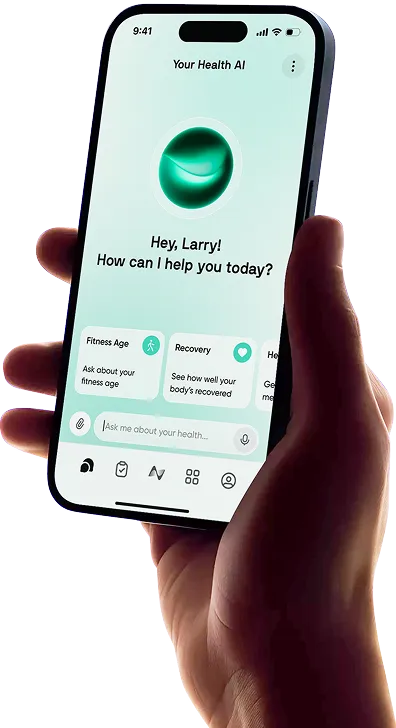
Neura Health
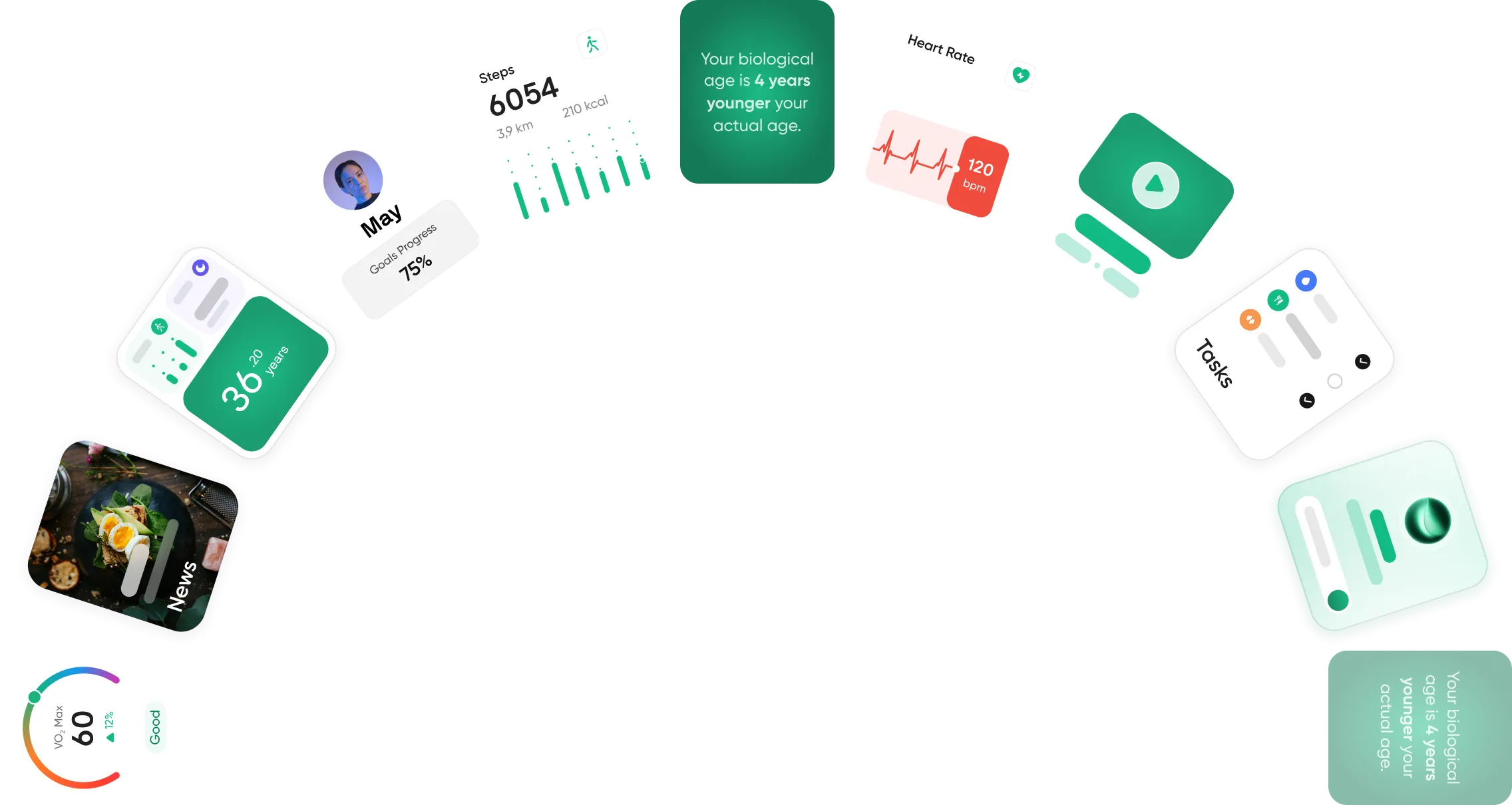
Neura Health takes a broader view of fitness rather than functioning solely as a running-plan app.
It connects information from wearables and health platforms and uses it to create personalized daily guidance around areas including activity, sleep, recovery, and nutrition.
A runner could, for example, connect Strava alongside other health data and use Neura to put a hard training session into the context of sleep and recovery instead of looking at the run in isolation.
It is a better fit if you want running to be part of a wider health picture rather than your only focus.
Coopah
Coopah is one of the more direct alternatives to Runna.
It provides adaptive training plans, strength and conditioning, device syncing, and access to both AI-powered answers and human running coaches.
Its plans can adjust around your fitness, progress, and schedule, and workouts can sync to Apple Watch, Garmin, COROS, and Polar devices.
Coopah is worth considering if you like the personalized-plan approach of Runna but also want the option to ask a coach questions about things like pacing, training, or race preparation.
Adidas Running
Adidas Running combines activity tracking with training plans, challenges, and a large fitness community.
The app can create personalized running support plans after a fitness assessment and adapt the plan based on feedback during training.
GPS tracking, voice coaching, leaderboards, and challenges are also included.
It is a good middle ground for runners who want both structured training and social motivation.
Strava
Strava is best viewed as a running platform rather than a direct replacement for Runna or Garmin Coach.
Its strengths are activity tracking, performance analysis, route discovery, and community.
You can find popular running routes, compare your efforts on segments, join clubs and challenges, and follow friends' training.
Strava has added more training tools, but its main appeal is still the ecosystem around your activities rather than building a full adaptive race program from beginning to end.
Final Thoughts: Runna vs Garmin Coach vs Nike Run Club
Runna, Garmin Coach, and Nike Run Club all provide enough structure to take the uncertainty out of planning your runs, but they suit different types of runners.
Runna is the strongest choice if you want a highly personalized race plan and broad smartwatch support.
Garmin Coach is particularly useful for Garmin owners because Run Coach can combine workouts with recovery and health data already collected by the watch.
Nike Run Club is the easiest recommendation for anyone wanting free plans and guided coaching without a subscription.
All three can guide your training, but the deciding factor is whether you value detailed personalization, recovery-aware Garmin integration, or free audio-led coaching the most.
Article FAQ
What is the best running app for beginners?
Nike Run Club is one of the best running apps for beginners because it is free, easy to use, and includes beginner-friendly training plans plus more than 300 Audio Guided Runs. Runna is another good option if you want a more personalized plan, but most advanced features require a subscription.
What is the most accurate running app?
Running accuracy depends largely on the GPS hardware in your phone or smartwatch. Garmin is a strong option when paired with a compatible watch that supports multi-band GPS, especially for outdoor runs in areas with trees or tall buildings. Apps like Runna and Nike Run Club can also provide accurate tracking when used with a reliable GPS-enabled device.
Is Runna worth it?
Runna can be worth it if you are training for a specific race or performance goal. It creates personalized plans based on your ability, schedule, and target, with pace guidance, strength sessions, and smartwatch syncing. At $19.99 per month or $119.99 per year, it is more expensive than Nike Run Club or Garmin Coach, so casual runners may prefer a free option.
Can you use Nike Run Club on a treadmill?
Yes, Nike Run Club can be used on a treadmill. Before starting your run, open the Run tab, go to Settings, and switch the tracking mode from Outdoor to Indoor. NRC can then record your treadmill workout without using outdoor GPS.
Is Garmin Coach free?
Garmin Coach is free through the Garmin Connect app, but you need a compatible Garmin watch. Depending on your device, you can access expert-led plans or Garmin Run Coach, which can adjust workouts using performance, recovery, sleep, and other fitness data collected by your watch.
Is Nike Run Club or Runna better?
Runna is better for personalized race training, detailed pace targets, and adaptive plans. Nike Run Club is better if you want free training plans, guided runs, and a simpler experience. Runna is generally better for runners chasing a specific performance goal, while Nike Run Club is a stronger value for beginners and recreational runners.