How To Interpret Apple Watch Sleep Data: What Is “Good” Sleep?
Sleep
Key Findings
Interpreting Apple Watch sleep data requires moving beyond total duration to understand sleep architecture. Healthy sleep typically consists of four to five 90-minute cycles, with Core sleep (light sleep) making up the majority of the night, while Deep sleep and REM provide physical and cognitive restoration. While the Apple Watch acts as a sophisticated data repository, its full value is realized when you can correlate these metrics with daily habits like diet and activity to identify what actually drives your recovery.
Understanding your nightly rest has become a central pillar of modern health optimization. For many, the journey starts with the device on their wrist. While Apple provides a wealth of metrics, the sheer volume of data can feel overwhelming.
This guide will help you decode your nocturnal biometrics and explain how to bridge the gap between raw data and actionable health improvements.
Apple Sleep Data: Terminology Explained
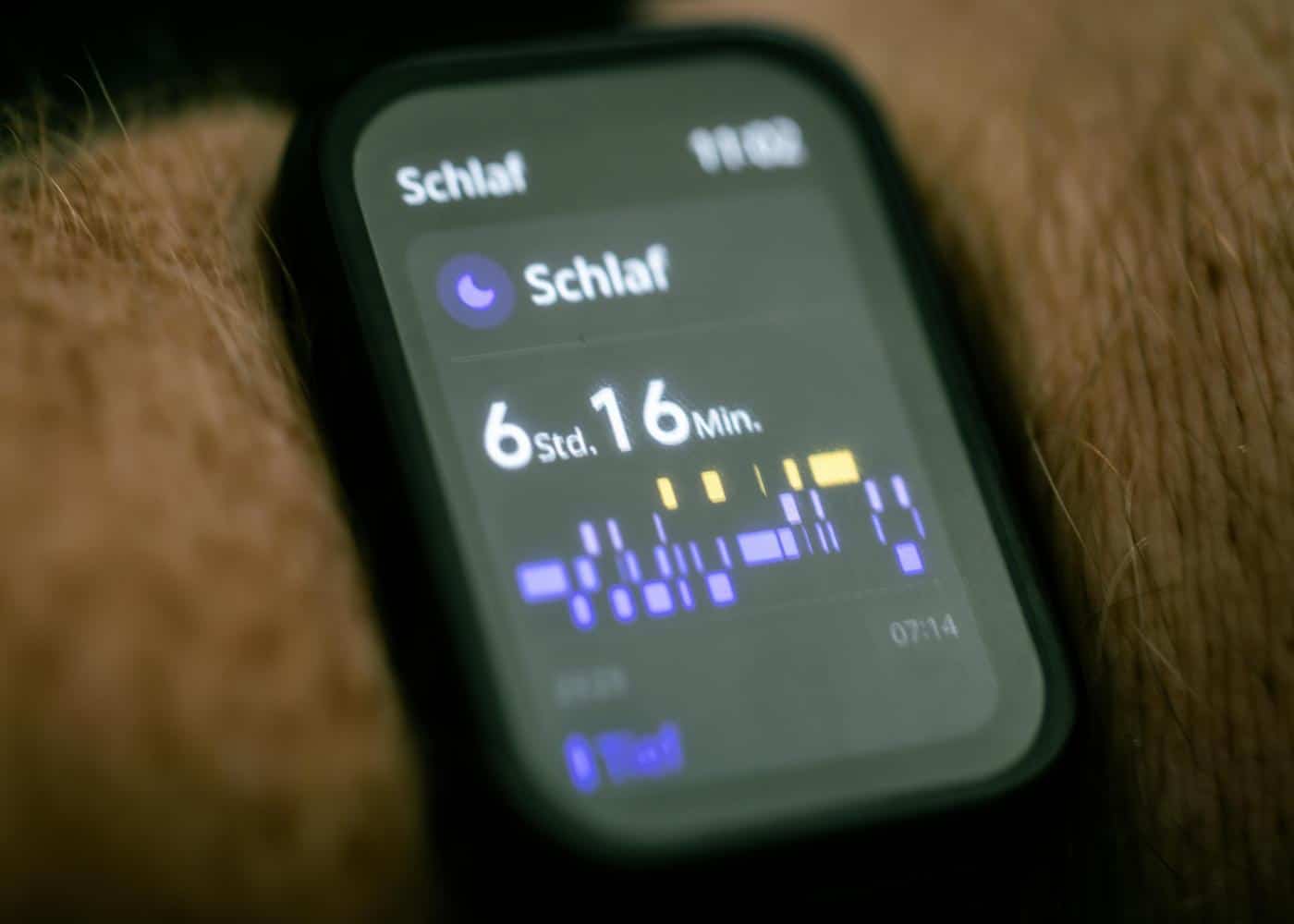
To master your rest, you must first speak the language of your device. Apple categorizes sleep into specific stages and metrics that reflect different aspects of your physiological and neurological recovery.
Time in Bed vs. Time Asleep:
It is a common misconception that these figures are identical. Time in bed represents the total duration from the moment you initiate sleep mode or lie down with the intent to sleep.
Time asleep is the actual calculated duration spent in any of the four sleep stages. A large gap between these two often indicates high sleep latency or frequent disturbances.
Core Sleep:
In the Apple ecosystem, Core Sleep largely corresponds to what researchers call Light Sleep or Stage 2 NREM. This stage makes up the majority of your night.
During this time, your heart rate slows and your body temperature drops as you prepare to enter deeper states. While it is often dismissed as less important than deep sleep, Core Sleep is vital for memory consolidation and metabolic regulation.
Deep Sleep:
Also known as Slow Wave Sleep (SWS), this is the most physically restorative phase. This is when the body repairs tissues, builds bone and muscle, and strengthens the immune system.
If you wake up feeling physically heavy or "unrecovered" despite a long night, a lack of Deep Sleep is often the culprit.
REM Sleep:
Rapid Eye Movement (REM) is the stage associated with dreaming and cognitive processing. During REM, your brain is highly active, nearly matching waking levels. It is essential for emotional regulation, creative problem-solving, and clearing out neural waste.
Respiratory Rate:
Apple Watch tracks the number of breaths you take per minute while asleep. A steady respiratory rate is a sign of good cardiovascular health, whereas significant spikes or drops can be early indicators of illness or sleep apnea.
Sleep Stages:
This is the collective term for the transitions between Awake, REM, Core, and Deep Sleep. Apple uses actigraphy and heart rate variability to estimate these transitions, providing a visualization of your sleep architecture.
Apple Watch Sleep Score Explained
Apple now provides a native sleep score directly, following the feature's increasing popularity in other Apple Watch-compatible sleep apps. This gives users a single clear number to gauge their rest each morning. Understanding how this specific score is calculated is essential for making your sleep more restorative.
What Factors are Included?
Apple calculates your sleep score using three specific data points. The most heavily weighted factor is your total sleep duration. This accounts for up to 50 points of your total score.
The second factor is bedtime consistency, which is worth up to 30 points. Apple evaluates this by looking at when you actually fell asleep over the previous 13 nights. The final 20 points are determined by interruptions. This tracks how often you wake up and how long you stay awake during the night.
How is Your Sleep Score Calculated?
Your nightly data is combined into a simple score ranging from 0 to 100. A score of 96 or above is classified as Very High. A score between 81 and 95 is considered High.
Scores between 61 and 80 are categorized as OK. Anything from 41 to 60 is Low. A score of 40 or below falls into the Very Low category. The app provides this detailed breakdown directly on your screen when you wake up.
How "Accurate" is the Apple Sleep Score?
The Apple Watch is a high-performance consumer wearable but not a clinical polysomnography machine. Even so, independent research shows that Apple algorithms are among the most accurate in the consumer market. It is particularly effective at identifying transitions between different sleep stages.
The primary strength of the device is tracking long-term trends. It is a powerful tool for seeing how lifestyle choices like late meals impact your recovery. While it may occasionally mistake quiet wakefulness for light sleep, its consistency makes it highly reliable for most users.
The true value of the data is found in this consistency. It provides a stable baseline to judge your progress. By following these metrics, you can see clearly whether your sleep quality is improving or declining based on your daily habits.
How to Track Sleep on Apple Watch
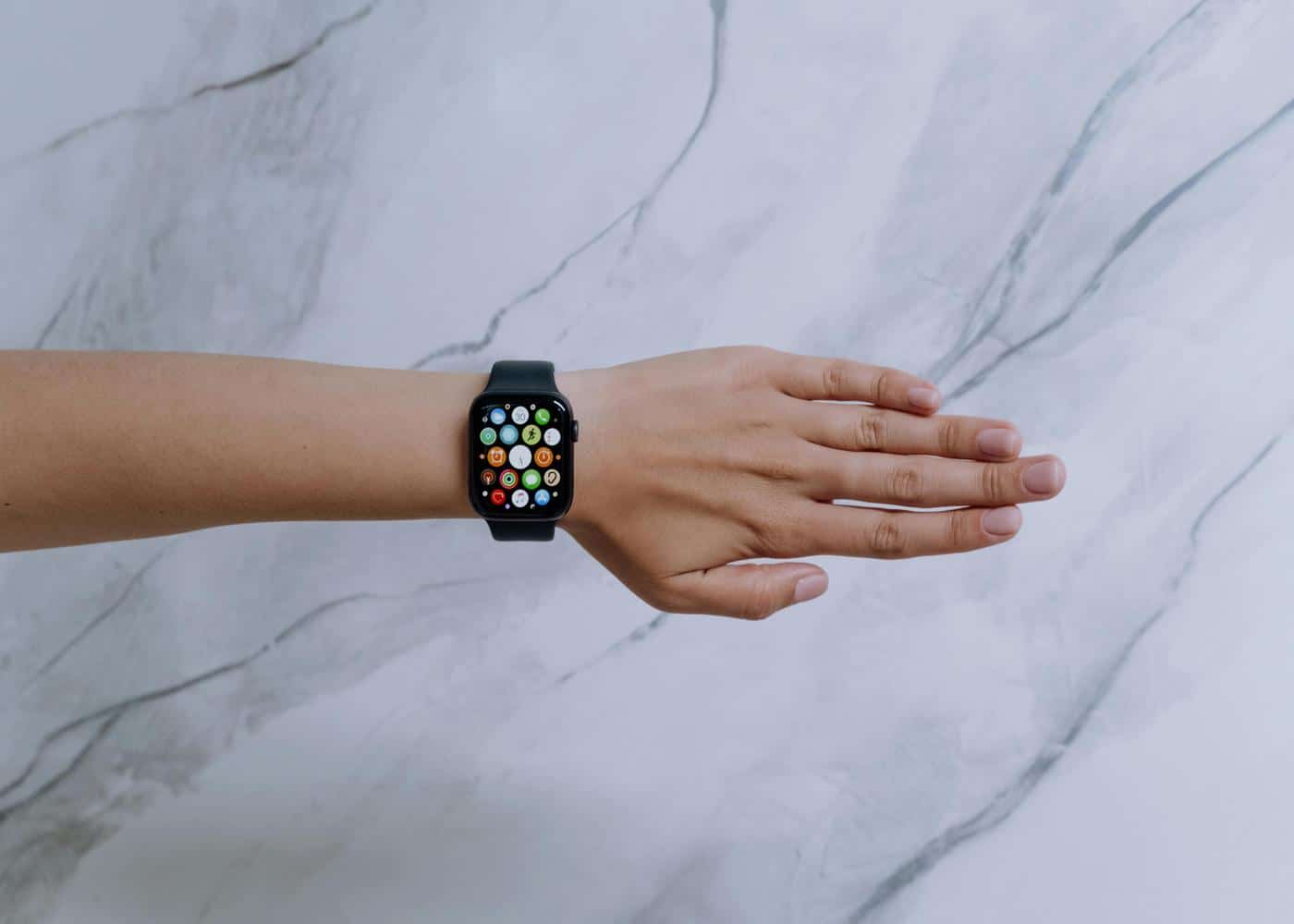
Learning how to track sleep on an Apple Watch is a straightforward process that requires a combination of hardware settings and habit formation. To begin, you must ensure that Sleep Tracking is enabled within the Sleep app on your watch or the Health app on your iPhone.
The most effective way to ensure consistent data is to set up a Sleep Schedule. This feature allows you to define your "Wind Down" period and your wake-up goal.
When Sleep Mode is active, the watch face simplifies to reduce distractions, and the sensors begin more rigorous monitoring of your biometrics. For the most accurate results, the watch must be worn snugly, but comfortably, about two fingers' width above the wrist bone.
This positioning ensures the green and infrared lights can accurately measure your blood flow and heart rate variability.


Interpreting Apple Watch Sleep Data: What Does Healthy Rest Look Like?
While "perfect" sleep is subjective and varies by age and lifestyle, there are clinical benchmarks that define a healthy sleep architecture for the average adult.
A healthy night of sleep is generally characterized by four to five complete sleep cycles. Each cycle lasts approximately 90 minutes and follows a predictable pattern of transitioning from light sleep to deep sleep, and finally into REM.
In the early part of the night, deep sleep dominates, while REM cycles become longer and more frequent as morning approaches.
Average Apple Watch User Sleep Stats
Research into wearable data provides a fascinating look at what constitutes "normal" for the modern user. While these are averages, they serve as a helpful baseline for your own comparisons.
Core Sleep Averages
Most healthy adults spend about 40% to 50% of their night in Core Sleep. For an eight-hour sleeper, this translates to roughly 3.2 to 4 hours. If your Core Sleep is significantly higher than this, it might mean your body is struggling to transition into deeper, more restorative stages.
Deep Sleep Benchmarks
Clinical research suggests that Deep Sleep should account for 15% to 20% of your total sleep time. For most people, this means getting between 60 and 90 minutes of SWS. Younger individuals typically see higher percentages, while Deep Sleep naturally tends to decrease as we age.
REM Sleep Expectations
A healthy target for REM sleep is approximately 20% to 25% of your night. This usually equates to about 90 to 120 minutes of total REM. If you find your REM is consistently low, it may be due to alcohol consumption, certain medications, or an alarm clock cutting off the long REM cycles that occur just before waking.
How To Improve Your Sleep Score With Neura

While the Apple Watch provides the data, it often stops short of telling you what to do with it. This is where Neura Health transforms raw numbers into a strategic roadmap for better rest.
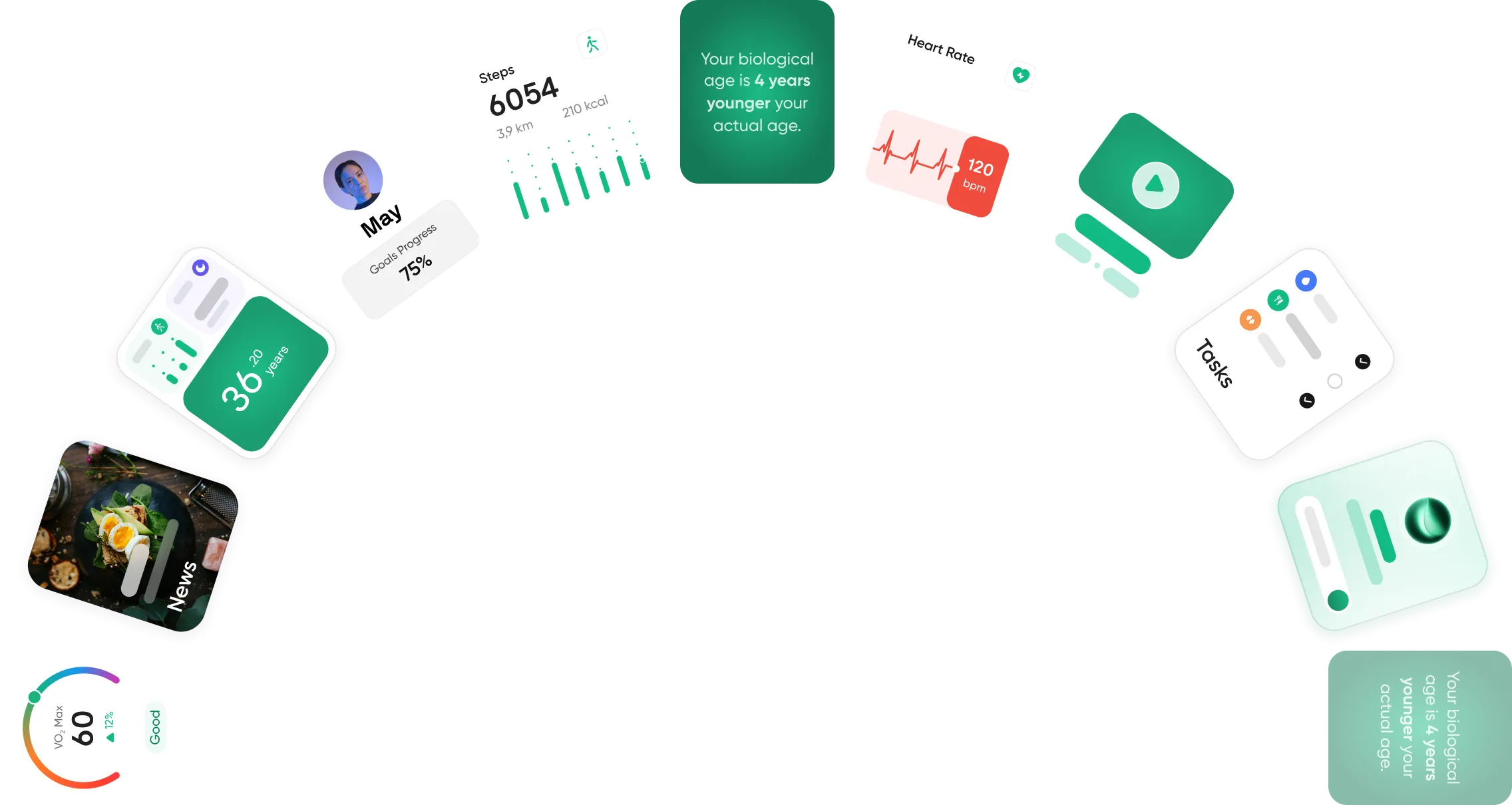
Neura Health is an end-to-end fitness ecosystem designed to integrate a user's health data from across all their wearables and apps to offer personalized insights.
360° Health Sync and Integration
One of the primary challenges with Apple Health is data fragmentation. You might see your sleep data in one app and your caffeine intake in another.
Neura solves this by utilizing 360° Health Sync to centralize your fragmented health ecosystem.
By pulling your Apple Watch sleep data into a single, unified profile, Neura can begin to identify correlations that aren't visible in the standard iPhone interface.
The Neura AI Agent
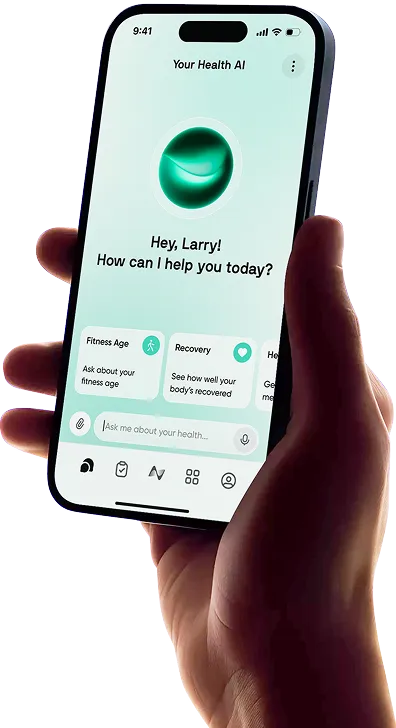
Instead of wondering why your deep sleep was low last night, you can use the Neura AI. This proprietary model is trained on peer-reviewed research and clinical studies to a PhD-level.
Unlike standard chatbots, Neura AI has context-aware intelligence, meaning it references your specific real-time and historical biometric data to provide answers. You can ask your Neura AI coach, "What do I need to improve my sleep right now, based on my current metrics?".
It might notice that your late-night workout recorded on your Apple Watch correlated with a spike in your sleeping heart rate and suggest an earlier training window.
Actionable Health Plans
Neura moves beyond tracking by adding an "Action Layer". While your sleep score iPhone data might show a downward trend, a Neura Health Plan offers a 1-of-1 protocol generated in real-time to fix it.
These plans are dynamic and respond to your real-world conditions. If your Apple Watch indicates a significant drop in recovery metrics, Neura will automatically recalibrate your plan, perhaps shifting your focus from an intense workout to a guided recovery session to ensure you get back on track.
Conflict Checking for Sleep Supplements
Many users try to fix their sleep with supplements like magnesium or melatonin. Neura offers a layer of personalized safety through its conflict checking feature.
If you input a new supplement, the system cross-references it against your existing medical profile and medications to identify potential risks or contraindications. This ensures that your attempt to improve your sleep is both effective and safe.
Understanding Correlations with Health Foundations
Neura’s Health Foundations layer monitors the core pillars of wellbeing, including stress management and diet.
By combining your Apple sleep metrics with these foundations, Neura can offer tailored insights into precisely what data is intersecting with your sleep quality. It helps you move from "I slept poorly" to "I slept poorly because my stress levels remained high throughout the evening".
Final Thoughts: Interpreting Apple Watch Sleep Data
The Apple Watch is an incredible tool for gathering data, but the data is only as valuable as the actions it inspires. Monitoring your Core, Deep, and REM stages provides a window into your internal health, but it is the synthesis of this data with your daily habits that leads to true optimization.
Ultimately, "good" sleep is not just about hitting a specific number of minutes in a specific stage. It is about consistency, recovery, and feeling energized during your waking hours.
By using a "Health Operating System" like Neura, you can bridge the gap between hardware and health, turning your Apple Watch from a simple tracker into a proactive personal health coach.
Article FAQ
Why is my sleep data not showing on iPhone?
If your stats are missing, it is usually due to a configuration error in the Health or Sleep apps. Ensure that "Track Sleep with Apple Watch" is toggled on in your Watch settings and that your Sleep Schedule is active. Additionally, your watch must have at least 30% charge before you go to bed. If the sensors cannot detect a consistent heart rate due to a loose band, the data may fail to sync to your iPhone.
How accurate is Apple sleep data?
Apple Watch uses advanced actigraphy and heart rate variability (HRV) to estimate sleep stages. While it is highly accurate for tracking total sleep duration and consistency, it is a wellness tool and not a medical-grade polysomnograph. For those seeking deeper accuracy, Neura iQ enhances these raw metrics by cross-referencing them with other integrated health data to provide a more holistic "PhD-grade" analysis.
How to read Apple Watch sleep data?
You can view your data directly on your wrist in the Sleep app or in the Health app on your iPhone under the "Sleep" category. The interface displays a color-coded bar graph showing your time spent in Awake, REM, Core, and Deep stages. To move beyond simple graphs, Neura offers Custom Dashboards with a drag-and-drop interface, allowing you to prioritize the specific sleep metrics that align with your personal health goals.
What is Core sleep on Apple Watch?
Core sleep is Apple's term for light sleep, specifically Stage 2 NREM. During this stage, your brain activity slows down, but your body can still be easily awakened. It typically makes up the largest portion of your night and is essential for memory processing and metabolic health.
How can I get a more detailed analysis of my sleep?
While Apple stores data, it doesn't always interpret "why" your sleep changed. Neura iQ adds an Action Layer by analyzing correlations between your sleep and other factors like diet, medication, or stress. You can even use the Smart Mini-Podcast feature to listen to an AI-generated audio summary of your sleep trends during your morning commute.
Can Apple Watch detect sleep apnea or other conditions?
The Apple Watch is designed for wellness and optimization, not clinical diagnosis. It can alert you to trends, such as a drop in your Respiratory Rate or HRV, but these should be treated as insights rather than a medical diagnosis. If Neura's AI identifies a significant anomaly in your sleep foundations, it may suggest recalibrating your Health Plan to focus on recovery, but you should always consult a doctor for medical concerns.