VGFIT App Review: What is it and is it Worth Using?
Tech
Key Findings
The VGFIT app provides beginner-friendly, visually guided workouts for both home and gym settings. While its intuitive interface is a major plus, the required premium subscription and internet dependency are significant drawbacks. Users seeking advanced customization may prefer alternative tracking apps, while those looking for the ultimate level of data-driven, AI-adapted training should explore platforms like Neura Health.
With so many fitness apps promising personalized plans, smarter workouts, and better progress tracking, it can be hard to know which ones are genuinely useful and which ones simply add more noise to your routine.
VGFIT is one of the apps that has gained attention among people looking for guided workouts, fitness structure, and a more accessible way to stay consistent.
In this VGFIT app review, we’ll look at what the app is, how it works, its main features, who it may be best suited for, and whether it is actually worth using.
Whether you are starting a new fitness routine or looking for a more structured alternative to planning workouts yourself, this guide will help you decide if VGFIT deserves a place on your phone.
What is the VGFIT App?
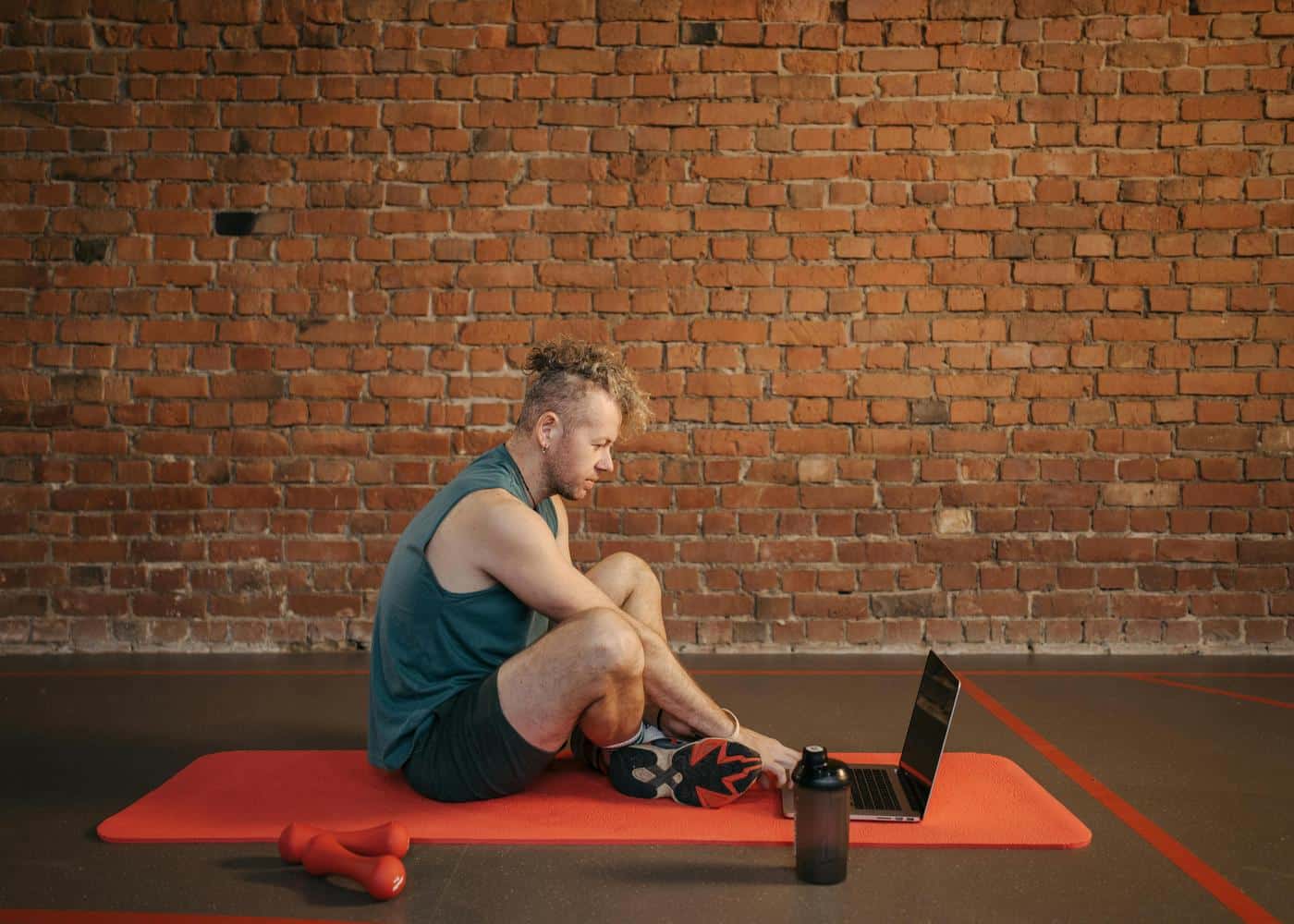
VGFIT is a workout app designed to help users follow guided fitness routines at home or in the gym.
It focuses on short, accessible workouts, with sessions ranging from around 5 to 20 minutes and difficulty levels from beginner to advanced. The app includes plans for goals such as strength, mobility, endurance, abs and core, muscle building, and fat burning.
The app uses video and audio guidance to walk users through each exercise, which makes it easier to follow along without needing to plan your own routine.
It also includes progress tracking, calorie estimates, workout history, and Apple Health integration through HealthKit on iOS.
Overall, VGFIT is best understood as a simple guided workout app for people who want structured routines without needing a personal trainer, complicated gym plan, or lots of equipment.


VGFIT App: In-Depth Review (2026)
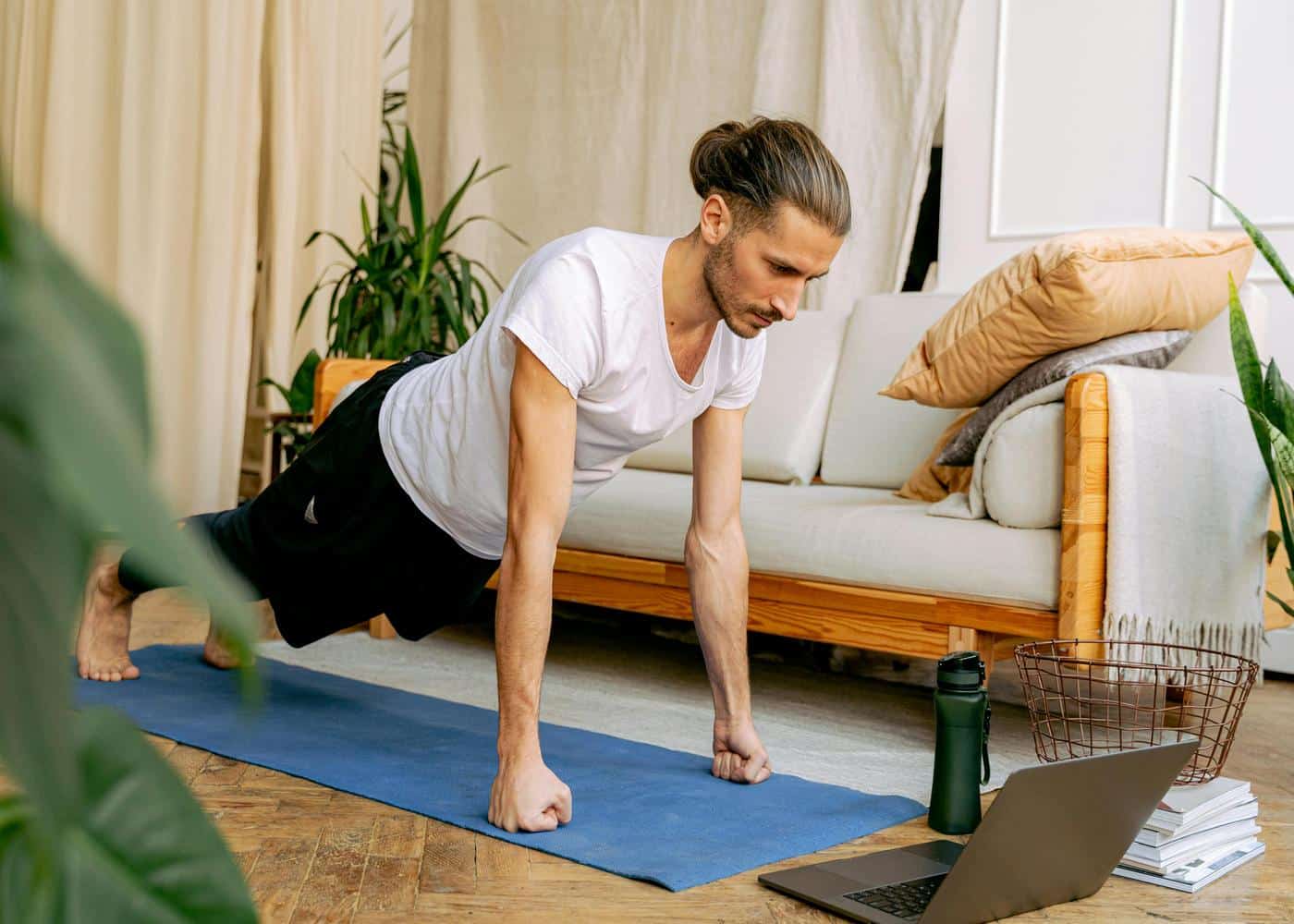
VGFIT is a simple, accessible fitness app for people who want guided workouts without overcomplicating their routine.
It is not trying to be a full performance platform or advanced health tracker. Instead, it focuses on helping users choose a workout, follow along, and stay more consistent with exercise.
How Does VGFIT Work?
VGFIT works by giving users structured workout routines they can follow from their phone. The app includes guided exercises, workout plans, and progress tracking, helping you train without needing to build a routine from scratch.
Depending on your goal, you can choose workouts focused on areas like strength, core, mobility, fat burning, endurance, or general fitness. The app then guides you through the session with clear exercise instructions, making it useful for beginners or anyone who wants a more straightforward way to train.
What Does VGFIT Feel Like to Use?
VGFIT feels practical and easy to get started with. The workouts are short, simple, and accessible, which makes the app a good fit for people who want to exercise at home, fit movement into a busy day, or avoid complicated gym programming.
The experience is more functional than premium. It does not have the same polished feel as some bigger fitness apps, but that can also be part of its appeal. If you want clear workouts without too many extra features, VGFIT keeps things relatively simple.
VGFIT: Key Features
These are the main VGFIT features that make it useful for following simple, structured workouts without having to plan every session yourself.
Guided Workouts
VGFIT provides guided sessions that show you what to do and help you move through each exercise without having to plan the workout yourself.
Goal-Based Training
The app includes workouts for different goals, such as building strength, improving endurance, training your core, increasing mobility, or supporting fat loss.
Short Workout Options
Many workouts are designed to be quick and easy to fit into your schedule, making the app useful for people who struggle to find time for longer sessions.
Progress Tracking
VGFIT lets you track completed workouts and monitor your consistency over time, which can help with motivation and habit-building.
Home-Friendly Exercise
The app is useful for home workouts, especially if you want guided bodyweight-style training without needing lots of equipment.
Pros
VGFIT’s biggest strength is its simplicity. It is easy to understand, easy to start using, and useful for people who want guided workouts without too many distractions.
Simple and beginner-friendly
Good for home workouts
Short sessions are easy to fit into the day
Offers a range of workout goals
Helpful if you do not want to plan your own routines
Drawbacks
VGFIT is useful, but it may feel limited if you want deeper personalization, advanced tracking, or a more premium coaching experience.
Less advanced than some larger fitness apps
May not offer enough depth for experienced athletes
Limited personalization compared with AI-led coaching apps
Progress tracking is fairly basic
The interface may feel less polished than some competitors
Final Verdict:
VGFIT is worth considering if you want a simple workout app that helps you stay active without making fitness feel complicated. It is especially useful for beginners, casual exercisers, or anyone who wants short guided workouts they can do at home.
However, it is not the best choice if you want highly personalized programming, deeper health insights, or adaptive coaching based on your recovery, sleep, stress, and progress. For straightforward workout guidance, VGFIT does the job well. For a more complete approach to health and fitness, you may want a broader platform that can connect your workouts with the rest of your wellbeing.
The Best VGFIT Alternatives For Fitness and Workout Tracking
VGFIT is a useful option if you want simple, guided workouts, but it may not be the best fit for everyone. If you want deeper workout tracking, more personalized plans, stronger coaching, or broader health insights, these VGFIT alternatives are worth considering.
Fitbod
Fitbod is one of the best VGFIT alternatives for strength training and gym-based progress tracking. It creates personalized workouts based on your goals, available equipment, training history, and muscle recovery, making it a better option for users who want more adaptive programming rather than fixed workout routines.
Nike Training Club
Nike Training Club is a strong free alternative for users who want guided workouts without paying for a premium plan. It includes strength, cardio, yoga, mobility, and bodyweight sessions, making it a good fit for beginners or casual users who want variety and high-quality instruction.
Freeletics
Freeletics is a good option if you like bodyweight training, HIIT, and short intense workouts. It offers personalized training plans and is especially useful for people who want flexible workouts they can do at home, outdoors, or with limited equipment.
Strong
Strong is better suited to users who already know how they want to train and need a clean workout logging app. It is especially useful for tracking sets, reps, weights, personal records, and gym progress over time, rather than following guided workout videos.
Neura
Neura is a better alternative if you want to connect your workouts with the rest of your health. Instead of only tracking exercise, Neura brings together fitness, sleep, stress, nutrition, supplements, medications, and habits to help you understand how your routine affects your overall wellbeing.
For users who want more than a workout library, Neura can help turn health and fitness data into personalized plans, smarter recovery decisions, and clearer daily guidance.
How Neura Health Optimizes Your Fitness Training
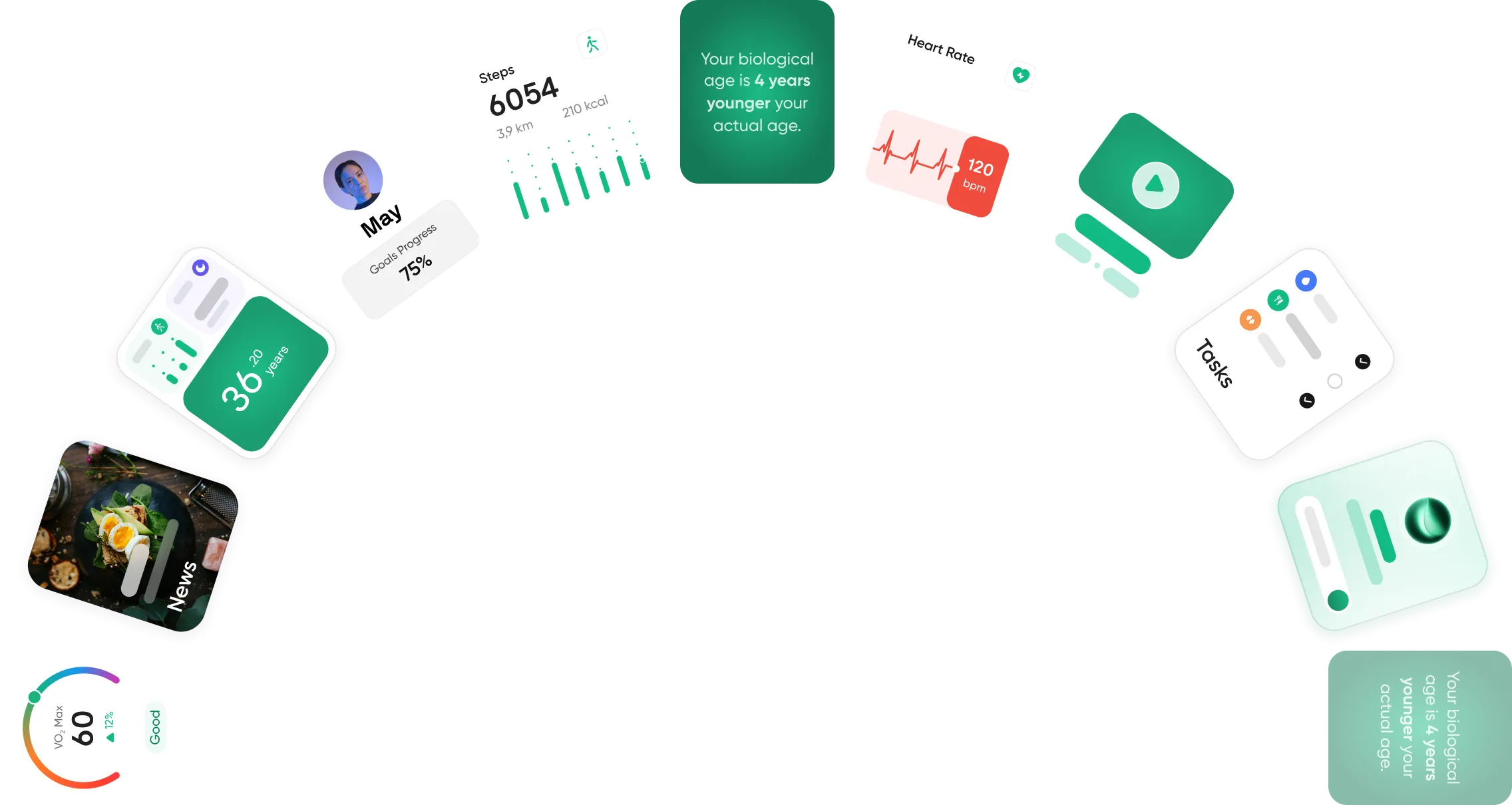
Neura Health helps optimize your fitness training by looking beyond individual workouts. Instead of only tracking sets, reps, calories, or steps, it brings together your fitness, sleep, recovery, stress, nutrition, supplements, medications, and daily habits to give you a clearer picture of what your body needs.
This makes your training more personalized. If your sleep has been poor, your stress is high, or your recovery metrics are trending down, Neura can help you adjust your plan instead of pushing through blindly. If your energy, consistency, and performance are improving, it can help you build momentum with more challenging sessions.
Neura can also create custom fitness plans based on your goals, current routine, preferences, and health data. Whether you want to build strength, improve endurance, lose weight, stay consistent, or train around a busy schedule, Neura helps turn your data into practical daily guidance.
The result is a smarter way to train. Rather than following a generic workout plan, you can build a routine that adapts to your body, supports recovery, and fits into your real life.
Final Thoughts: VG FIT App Review
VG FIT is a solid option if you want a simple workout app that makes exercise feel easier to start and stick with. Its guided workouts, short sessions, and goal-based routines make it especially useful for beginners, casual exercisers, or anyone who wants more structure without building a full training plan from scratch.
However, VG FIT may feel limited if you want deeper personalization, advanced workout tracking, or insights that connect your fitness with sleep, stress, recovery, nutrition, and daily habits. It works well as a straightforward workout tool, but it is not a complete health or performance platform.
Overall, VG FIT is worth trying if your main goal is to move more consistently and follow simple guided workouts. If you want smarter fitness planning that adapts to your body and wider health data, a more personalized platform like Neura may be the better long-term choice.
Article FAQ
What is the VG FIT app?
The VG FIT app is a comprehensive mobile fitness application that acts as a virtual personal trainer. It offers highly structured, visually guided workout routines tailored to various fitness levels. By utilizing detailed video demonstrations and audio instructions, the platform ensures proper form for everything from equipment-free home exercises to traditional gym strength training.
What is Neura Health?
Neura Health is an advanced, AI-driven wellness platform that analyzes your personal physiological data to create individualized health protocols. Instead of offering generic fitness templates, it uses machine learning to dynamically adapt your routine. By monitoring clinical health metrics, Neura optimizes your long-term fitness results and helps safely prevent overtraining.
Is the VG FIT app free to use?
The base version of the VG FIT app is available as a free download from standard mobile app stores. However, this free tier is restricted. To unlock the complete library of guided exercise videos, personalized training plans, and advanced progress tracking features, users must purchase a premium monthly or annual subscription.
Can I do VG FIT workouts at home without equipment?
Yes, you can easily perform many of these routines at home without any specialized gear. The platform features a large library of bodyweight exercises specifically programmed for living room workouts. You can easily filter the available routines based strictly on the equipment you currently own to fit your specific environment.
How do I cancel my VG FIT premium subscription?
To cancel your premium membership, simply deleting the application from your smartphone will not stop the billing cycle. You must navigate directly to the subscription management settings within your device's digital storefront, such as your Apple ID settings or your Google Play Store account, to manually turn off recurring billing.
Does the VG FIT app track my daily calorie burn?
Yes, the app estimates your total daily caloric expenditure based on the duration and intensity of your completed workout routines. The platform also seamlessly integrates with native health dashboards like Apple Health and Google Fit, ensuring all your active minutes and burned calories are properly centralized and continuously updated.