The 7 Best Apps for Guided Workouts, Expert Reviewed
Fitness
Key Findings
Your ideal fitness app depends on your goals. Nike Training Club offers the best free variety, and Alpha Progression excels at structured strength training. Beginners should use Fitbod for simple daily routines. For a platform that turns wearable data into an actionable daily plan, Neura Health is the top choice.
Why you Should Care?
A guided workout app can help you more precisely meet your fitness goals while avoiding burnout or loss of motivation.
Hitting the gym, logging miles on the road, or starting a new mobility routine takes real dedication, and having the right digital companion can make all the difference in your journey.
If you want to run a faster 5K or lift heavier weights, having a solid workout guide in your pocket helps bridge the gap between setting a goal and achieving it.
Today, the leading digital platforms adapt to your life, your available equipment, and your unique personal data.
They act as your personal coach, data analyst, and scheduling assistant all rolled into one application on your phone or smartwatch.
What Did We Look for in a Guided Workout App?
The best fitness apps do more than count reps or store workouts. They make training easier to follow, easier to adapt, and easier to stick with.
Here’s what we looked for:
Ease of use: A good app should feel simple in the middle of a workout. Logging sets, checking exercises, or adjusting your session should be quick and intuitive.
Personalization: The best apps adapt to your goals, schedule, equipment, energy levels, and progress, rather than forcing you into a rigid plan.
Wearable and health data integration: Fitness does not happen in isolation. Apps that connect with wearables, smartwatches, or health platforms can give more useful guidance around recovery, activity, and readiness.
Smart programming: Strong apps are built around proper training principles like progressive overload, recovery, and balanced workout structure, not random exercises thrown together.
Value for money: A paid app should offer enough guidance, tracking, personalization, or coaching to justify the subscription.


The Best Guided Workout Apps of 2026
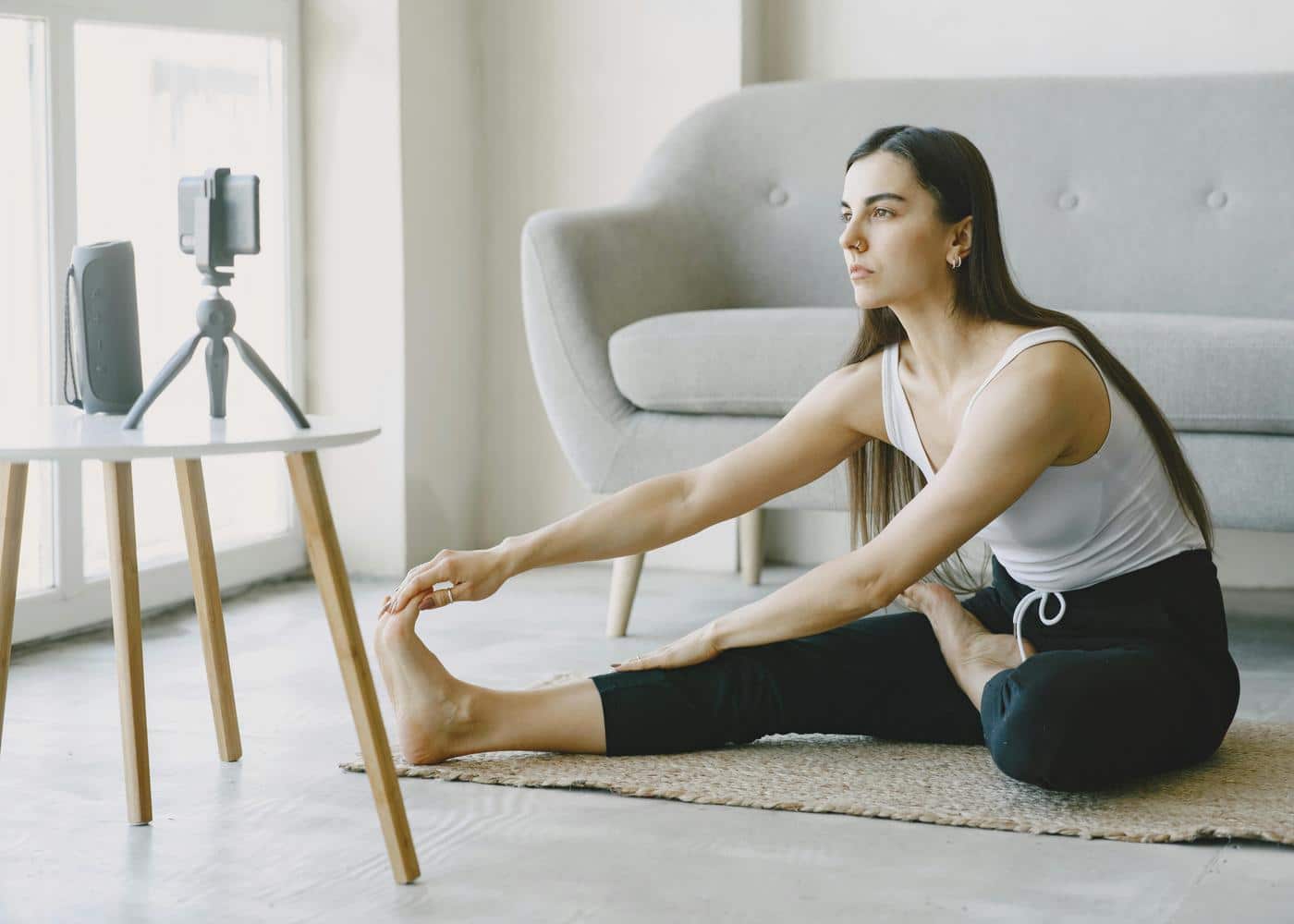
Here are the seven standout options that give you great routines without any of the headaches.
Best Overall Workout App: Nike Training Club
Nike Training Club remains a powerhouse in the digital fitness space, and it is still completely free for all users. This makes it an inclusive option for anyone looking to get moving without committing to a monthly subscription.
The content library is vast, featuring everything from quick mobility flows to hour-long strength and conditioning sessions that require a full gym setup.
The production value of the instructional videos is high, with trainers guiding you through every movement with an encouraging attitude.
It is particularly great if you enjoy variety in your routine. You can bounce between yoga, kickboxing, and high-intensity interval training all in the same week.
While it might lack the granular progression tracking of dedicated powerlifting applications, its variety, positive energy, and zero-dollar price tag make it a highly accessible tool.
Best for Strength Training: Alpha Progression
If your primary goal is putting on muscle mass and getting stronger, Alpha Progression is a structured choice.
This application uses a sophisticated algorithm to create customized workout plans tailored to your gym equipment, experience level, and personal muscle-building goals. It takes the science of strength training and makes it accessible for the average lifter.
What makes Alpha Progression effective is its rigorous approach to progressive overload. The app tracks your performance across weeks and tells you exactly when to increase the weight or push for an extra repetition in your next training session.
The exercise library is massive, covering over two thousand movements, and the interface is designed to make logging your sets quick and frictionless.
For lifters who want expert programming without having to build complex spreadsheets, Alpha Progression is a fantastic choice.
Best for Beginners: Fitbod
Stepping into a busy gym for the first time can feel intimidating, but Fitbod solves this problem by acting as a patient digital personal trainer.
This makes Fitbod especially useful for people easing into a routine with exercise snacks or short beginner sessions before building up.
If you need a reliable workout guide for beginners, you tell the app what equipment you have access to, how much time you have to work out, and your current fitness level. It then generates a balanced routine for you on the spot.
Fitbod shines in its ability to adapt on the fly. If your gym's cable machine is in use, you can swap exercises with one tap. Fitbod will immediately provide an alternative that targets the same muscle group using dumbbells or bodyweight.
The app also features clear video demonstrations for every movement, ensuring you learn proper posture, form, and technique right from day one.
Best for Running and Cardio: Strava
Strava functions less as a traditional guided workout application and more as a supportive social network built for endurance athletes.
If you run, cycle, or swim, having Strava on your phone is pretty much a no-brainer. The core functional feature centers on tracking your routes, pace, elevation gain, and total distance, but the real draw is the community aspect.
You can join local running challenges, compete on neighborhood leaderboards for specific route segments, and give kudos to friends for completing their tough sessions.
For those who need structured programming, Strava's premium tier offers detailed training plans for various race distances, ranging from a 5K to a full marathon.
Even the free version provides solid motivation. Seeing your peers put in the work gives the push you need to lace up your running shoes and get out the door.
Best for Combining Cardio and Weights: Edge
For athletes who want to lift heavy weights and run a competitive half-marathon, balancing the two disciplines can be a tough scheduling puzzle.
Edge is an application that integrates strength and cardio programming into a single, cohesive weekly plan. It is built for people who refuse to put themselves in just one fitness box and want to excel at multiple disciplines.
Instead of treating your weight lifting and your running as separate entities that compete for your energy, Edge manages your total training stress. That matters because unmanaged training stress can build into systemic fatigue if recovery is ignored.
It ensures your heavy leg-lifting days are spaced away from your long weekend runs. If you miss a session due to life commitments, the application dynamically shifts the rest of the week to keep you on track without risking overtraining.
A subscription also grants you direct access to real human coaches who can answer questions and adjust your plan, providing a level of genuine support that is quite valuable. It is the perfect tool for the modern hybrid athlete.
Best Screenless Workouts: Aaptiv
Not everyone wants to stare at a glowing screen while they exercise. Aaptiv solves this problem by delivering audio-based coaching. This makes it feel closer to a fitness podcast than a traditional screen-based workout app.
It is an excellent choice for outdoor runners, indoor cyclists, or anyone who prefers to keep their eyes up and focused entirely on their physical movement and their surroundings.
The application features thousands of high-quality classes set to motivating playlists spanning multiple music genres.
The instructor guides you through the workout, calling out pacing adjustments, form cues, and encouragement directly into your headphones. It feels like taking a class in a boutique fitness studio, but entirely on your own schedule.
Aaptiv is fantastic for those difficult days when you need someone to tell you what to do and push you through the finish line, allowing you to disconnect from your phone screen and immerse yourself in the effort.
Best for Holistic Health: Neura Health
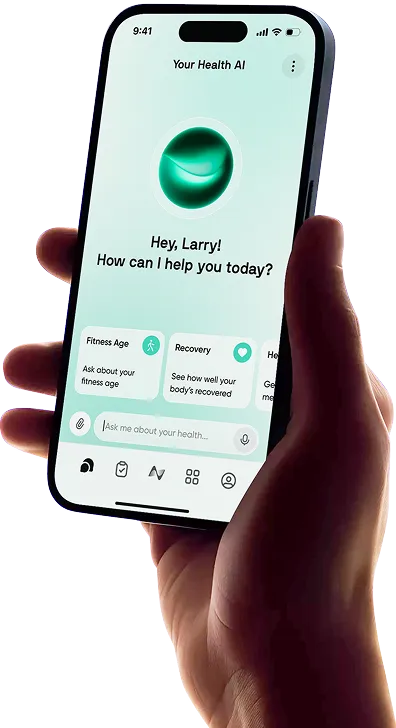
Neura Health stands out for anyone who wants more than just a workout app. Instead of simply tracking your activity, it helps you understand what to do next, using your data to guide your decisions.
At its core, Neura connects the dots between your training, nutrition, sleep, and recovery to give you clear, practical direction each day. Rather than overwhelming you with numbers, it turns your data into simple actions you can follow with confidence.
When you are working toward a specific goal, Neura builds your plan around how your body is actually performing. It pulls in data from your devices and adjusts your guidance to match your current energy and recovery levels.
This approach removes the guesswork from your routine. You are not left wondering whether to push harder or take a step back. Neura guides you toward the right balance, helping you stay consistent, avoid burnout, and make steady progress over time.
Build Your Personalized Workout Routine With Neura
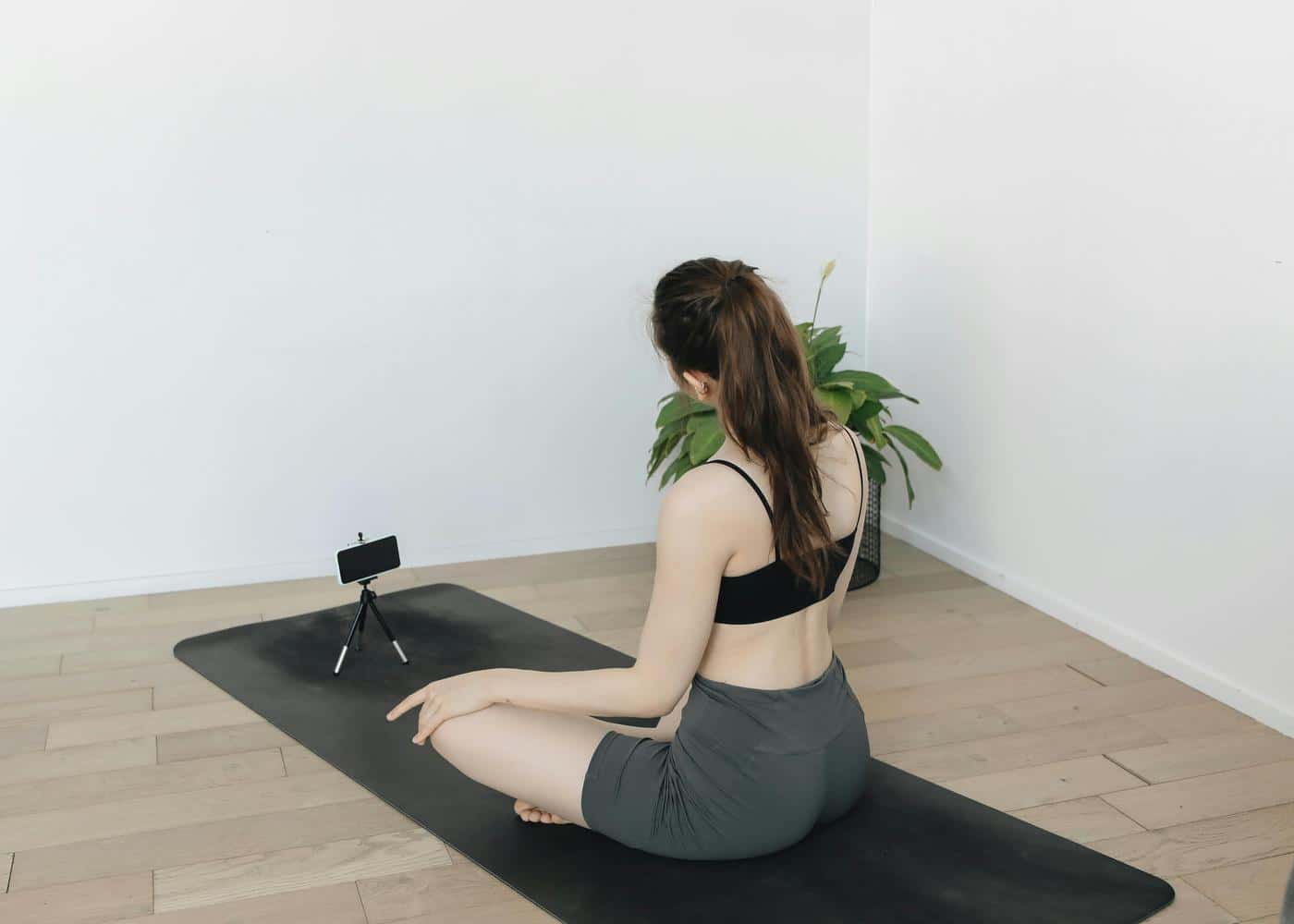
A great workout routine should fit your goals, schedule, fitness level, recovery needs, and lifestyle. Neura helps you move beyond generic plans by using your wider health data to build a routine that is more personal, flexible, and sustainable.
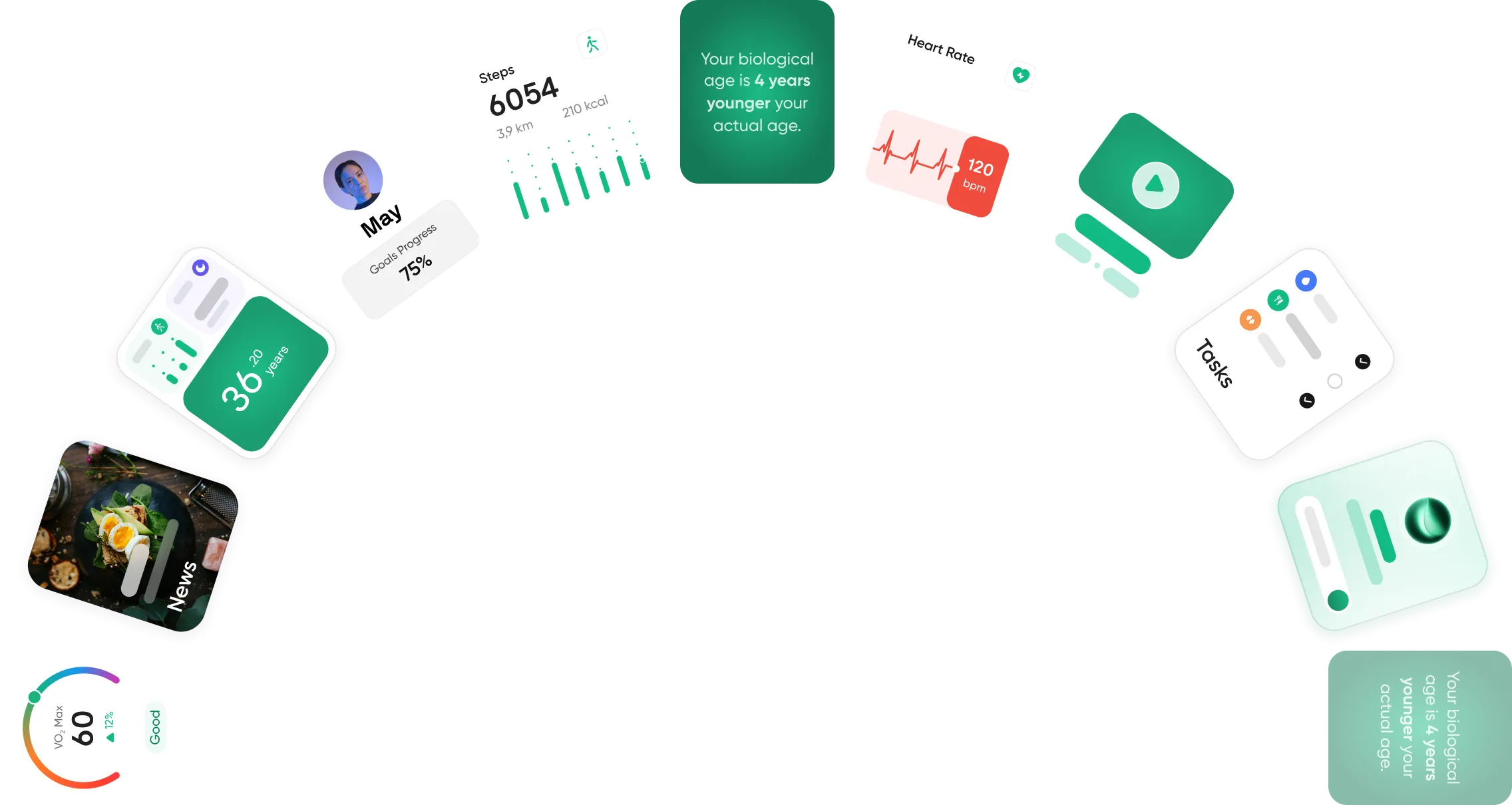
Instead of only looking at workouts in isolation, Neura connects your training with sleep, stress, nutrition, recovery, supplements, medications, and daily habits.
This helps you understand whether your body is ready to push harder, needs a lighter session, or would benefit from rest and recovery.
For example, if your sleep has been poor or your recovery metrics are trending down, Neura can help adjust your plan with lower-intensity movement, mobility work, or active recovery. If your energy and performance are improving, it can help you progress with more challenging strength, cardio, or endurance sessions.
The result is a smarter fitness routine that adapts with you. Whether you want to build muscle, lose weight, improve endurance, increase mobility, or simply stay consistent, Neura helps turn your health data into clear, practical workout guidance.
Final Thoughts: The Best Apps for Guided Fitness
The right digital tool can reshape your approach to physical and mental well-being.
Whether you prefer the accessibility and welcoming simplicity of a free database like Nike Training Club, the structured progression of Alpha Progression, or the comprehensive environment of Neura Health, the apps out there right now make hitting your goals easier than ever before.
The key to long-term success is to choose a platform that aligns with your specific goals and makes it easier for you to show up consistently day after day.
By leveraging these modern technologies, you can eliminate the mental friction of exercise planning, ensure your physical efforts are productive, and focus on executing the work.
Download a few free trials, see which interface clicks with your daily routine, and start making sustainable progress today.
Article FAQ
What are the best apps for guided home workouts?
The best apps for guided home workouts depend entirely on your specific goals and available equipment. Nike Training Club offers a massive, free library of bodyweight routines perfect for small spaces. If you want personalized daily plans that adapt to your wearable data and recovery levels, Neura Health provides a comprehensive hub to guide your at-home training safely. Fitbod is also excellent for generating specific routines based exactly on the dumbbells or resistance bands you have available.
How to start a fitness routine for beginners?
To start a fitness routine for beginners, begin with small and manageable goals rather than extreme lifestyle changes. Commit to just two or three short sessions per week to build the habit. Focus on learning proper form using guided videos from beginner-friendly apps before adding heavy weights. Consistency matters far more than intensity during your first few months of training.
How do I stay consistent with my fitness routine?
You stay consistent with your fitness routine by removing friction and tracking your progress. Schedule your workouts like important appointments. Using an adaptive platform like Neura Health can also help by automatically adjusting your daily plan when life gets busy or you feel overly tired, ensuring you always have an achievable goal that fits your current energy levels.
Are premium workout apps worth the money?
Premium workout apps are generally worth the investment if they keep you accountable and provide structured programming. While great free options exist, premium subscriptions often offer valuable features like adaptive algorithms, seamless integration with smart wearables, and personalized recovery insights that prevent overtraining and help you reach your goals faster.
How often should you use a guided fitness app?
You should aim to use a guided fitness app three to five times per week for optimal results. However, the exact frequency depends on your current fitness level and the intensity of the sessions. Listen to your body and utilize tools that monitor your daily recovery metrics to help you decide when to push hard and when to take a rest day.
Can a fitness app replace a personal trainer?
A fitness app can replace a personal trainer for many people, especially those looking for structured routines and progress tracking at a lower cost. Modern platforms offer highly personalized plans based on your real-time biometric data. However, complete beginners needing hands-on form correction or individuals recovering from complex physical injuries may still benefit from in-person coaching.