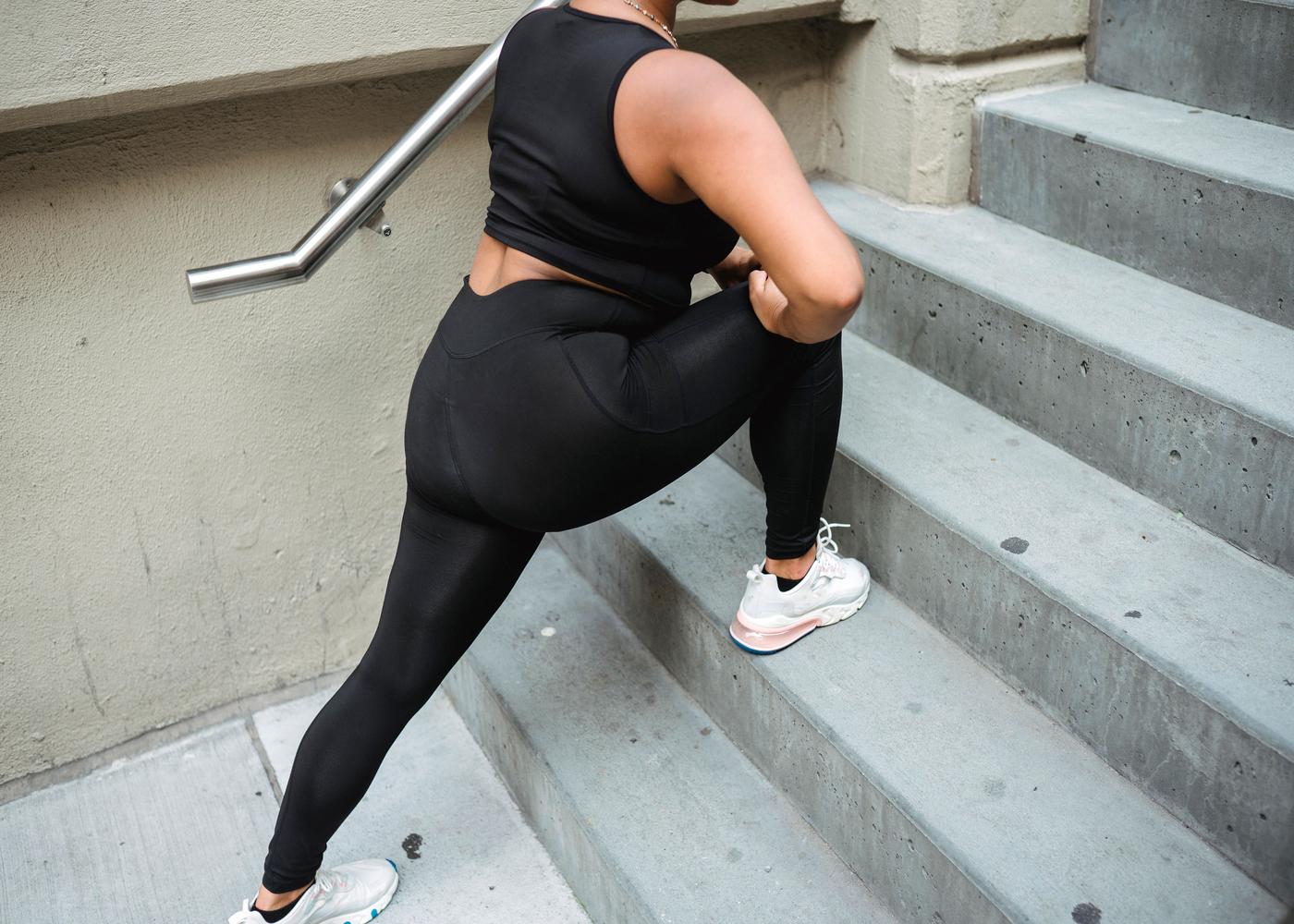
12+ Easy Desk Exercises for Office Workers to Improve Posture
Fitness
Key Findings
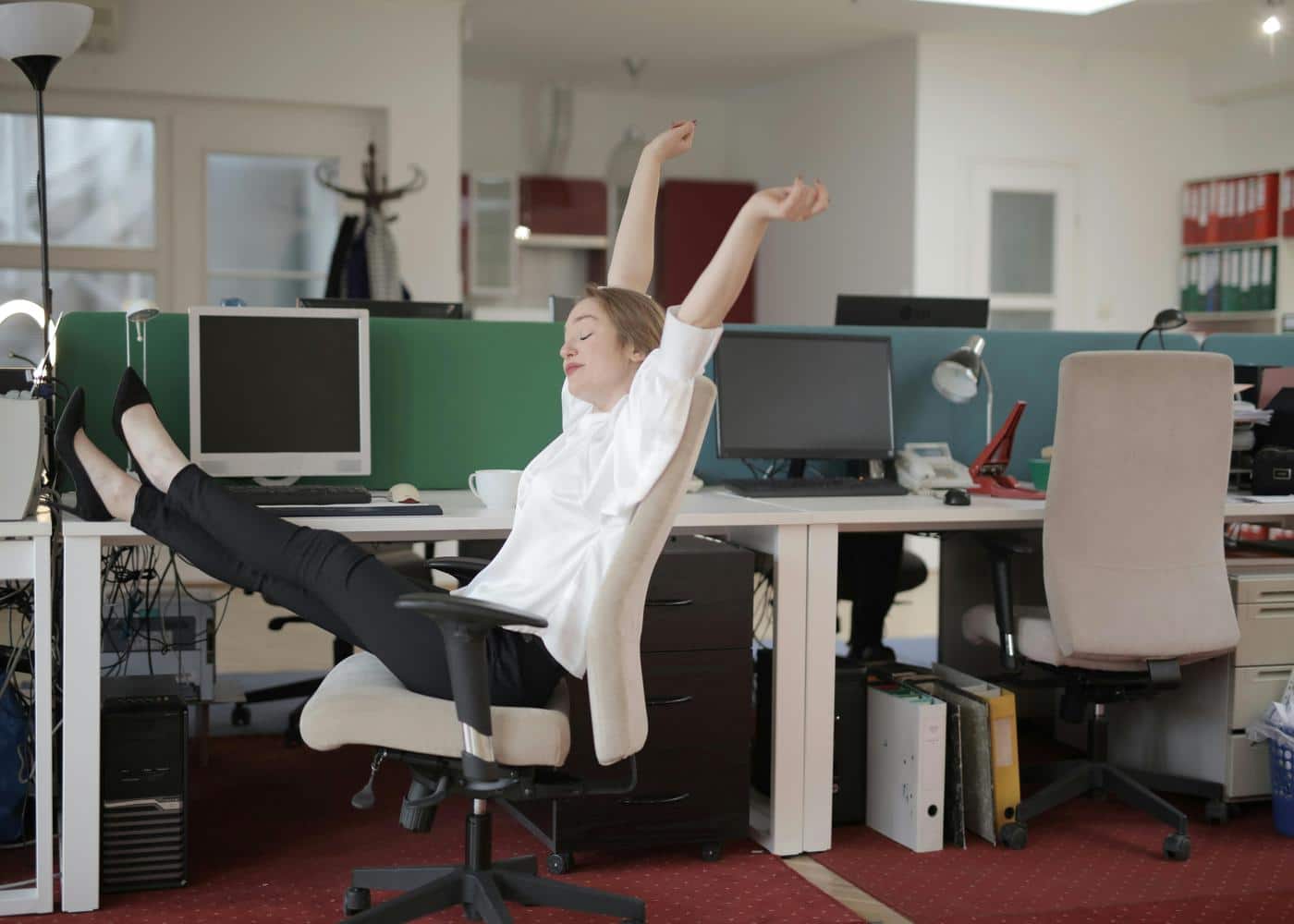
Sitting for long periods causes muscle imbalances like "tech neck" and rounded shoulders. Integrating deskercise, short bursts of movement and stretching at your workstation, is essential for musculoskeletal health. Regular micro-movements every hour improve circulation, alleviate lower back pain, and prevent the postural decline common in sedentary work environments.

The modern workspace has undergone a radical transformation over the last several decades. For many of us, the primary environment for productivity is a chair and a desk.
While this setup allows for high-level cognitive output, it often comes at a significant physical cost. Prolonged sitting is frequently linked to a variety of musculoskeletal issues, particularly those involving the spine, neck, and shoulders.
As we become more absorbed in our digital tasks, our bodies tend to migrate toward a slumped position. This progressive slouching leads to what many experts call "tech neck" or "rounded shoulder syndrome."
Fortunately, maintaining your physical health does not require a gym membership or an hour-long break from your responsibilities. You can integrate movement directly into your workflow.
By incorporating specific movements into your day, you can mitigate the negative effects of a sedentary lifestyle.
What is ‘Deskercise’?

The term Deskercise refers to the practice of performing physical movements and stretches within the confines of a standard office environment. It is a functional approach to fitness that recognizes the reality of the 9-to-5 schedule.
Rather than viewing exercise as something that only happens before or after work, this philosophy treats movement as a continuous necessity. At its core, it is about breaking the cycle of static loading on the joints and muscles.
By utilizing these techniques, you are essentially "debugging" your body's operating system throughout the day, ensuring that your physical "hardware" remains fluid and responsive despite the constraints of your environment.


Best Deskercise Exercises for Better Posture
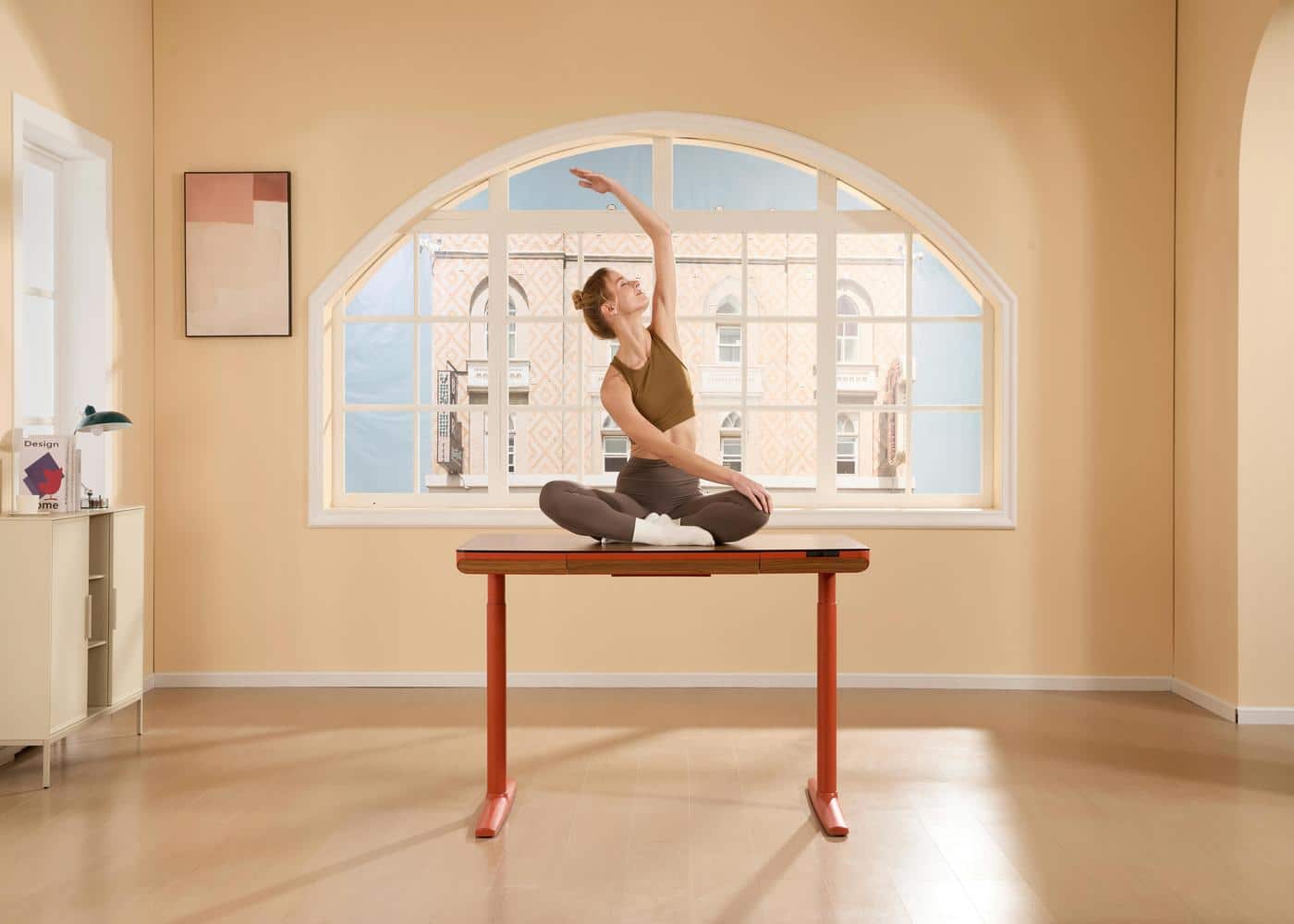
Improving your posture requires a combination of stretching tight muscles and strengthening weak ones. The following list provides a diverse range of movements designed to target the most common problem areas for office workers.
1. Seated Chin Tucks
This movement is the ultimate antidote to "tech neck," which occurs when the head protrudes forward to look at a screen.
How-To:
Sit tall and look straight ahead.
Without tilting your head up or down, slowly draw your chin straight back as if you are making a double chin.
You should feel a gentle stretch at the base of your skull and the back of your neck.
Hold for three seconds and release. Repeat this ten times.
Best For: Realigning the cervical spine and strengthening the deep neck flexors.
2. Desk Wall Slides
While typically done against a wall, you can perform a modified version while seated or standing at your desk.
How-To:
Raise your arms so your elbows are at shoulder height and bent at a ninety degree angle, resembling a goalpost.
Slowly move your hands upward as if you are sliding them up a wall, keeping your elbows back and your shoulder blades squeezed together.
Lower them back to the starting position with control.
Best For: Opening the chest and improving shoulder mobility.
3. The Seated Spinal Twist
Standard desk work often keeps the spine in a rigid, forward-facing position for hours. This twist helps restore rotational mobility.
How-To:
Sit toward the edge of your chair with your feet flat on the floor.
Place your right hand on the outside of your left knee and your left hand on the back of your chair.
Gently rotate your torso to the left, looking over your shoulder.
Hold for fifteen seconds, then switch sides.
Best For: Relieving tension in the mid-back and improving spinal flexibility.
4. Desk Press-Ups
This is one of the more active deskercise exercises that uses your workstation as a piece of gym equipment.
How-To:
Ensure your desk is sturdy enough to support your weight before beginning.
Stand and face your desk. Place your hands on the edge of the desk slightly wider than shoulder-width apart.
Step your feet back so your body is at a diagonal angle.
Lower your chest toward the desk by bending your elbows, then push back up to the start.
Best For: Strengthening the chest, triceps, and core stabilizers.
5. Seated Figure-Four Stretch
Tight hips are a primary contributor to lower back issues. This stretch targets the piriformis and glutes.
How-To:
While seated, cross your right ankle over your left knee.
Keep your back straight and slowly lean forward from the hips until you feel a stretch in your right hip.
Hold for twenty seconds and then repeat on the other side.
Best For: Reducing hip tightness caused by prolonged sitting.
6. Shoulder Blade Squeezes
This simple movement is one of the most effective desk exercises for work because it can be done while you are reading an email or sitting on a call.
How-To:
Sit or stand with your arms at your sides.
Imagine there is a pencil between your shoulder blades and try to pinch it by pulling your shoulders back and down.
Hold the squeeze for five seconds, then relax. Repeat twelve times.
Best For: Strengthening the rhomboids and correcting rounded shoulders, particularly effective when combined with posture-correcting exercises at the gym.
7. Standing Calf Raises
Improving circulation in the lower extremities is vital when you are stationary for long periods.
How-To:
Stand behind your chair and hold the back for balance.
Slowly rise onto the balls of your feet, hold for a second, and then lower your heels back to the floor.
Perform three sets of fifteen repetitions.
Best For: Lower body circulation and ankle stability.
8. The Executive Stretch
This movement targets the entire anterior chain, which often becomes shortened and tight during office work.
How-To:
Sit back in your chair and interlock your fingers behind your head.
Lean back slightly and open your elbows as wide as possible while looking toward the ceiling.
Inhale deeply as you open your chest.
Best For: Counteracting the hunched-over position of typing.
9. Desk Plank
A strong core is the foundation of good posture. A plank at your desk is a discreet way to build that strength.
How-To:
Place your forearms on the desk and step your feet back until your body forms a straight line from head to heels.
Engage your glutes and core, ensuring your back does not sag.
Hold for thirty to sixty seconds.
Best For: Core endurance and full-body stability.
10. Wrist and Forearm Extensions
Repetitive typing and mousing can lead to strain in the forearms and wrists.
How-To:
Extend your right arm in front of you with the palm facing up.
Use your left hand to gently pull your right fingers down and back toward your body.
Hold for fifteen seconds, then flip the hand so the palm faces down and repeat the stretch.
Best For: Preventing carpal tunnel syndrome and relieving forearm tension.
11. Seated Leg Extensions
This exercise keeps the large muscles of the legs engaged without requiring you to stand up.
How-To:
While seated, straighten one leg out in front of you and hold it for three seconds.
Squeeze your quadriceps muscle at the top.
Lower it slowly and repeat with the other leg.
Do fifteen repetitions per side.
Best For: Knee health and maintaining quad strength.
12. Doorway Chest Stretch
If you have a doorway near your desk, this is the gold standard for opening up the chest.
How-To:
Stand in the doorway and place your forearms on the doorframe with your elbows at shoulder height.
Step one foot forward until you feel a comfortable stretch across your chest and the front of your shoulders.
Hold for thirty seconds.
Best For: Reversing the "caved-in" chest posture.
13. Glute Squeezes
Sitting literally "turns off" your glute muscles, which can lead to a host of postural problems.
How-To:
Simply squeeze your glutes as hard as you can while sitting.
Hold for ten seconds and release. Repeat this ten times every hour.
Best For: Activating the posterior chain and supporting the lower back.
14. Seated Cat-Cow
This is a modified yoga movement that brings mobility to the entire spine.
How-To:
Sit with your feet flat and hands on your knees.
As you inhale, arch your back and look up toward the ceiling (Cow).
As you exhale, round your spine and tuck your chin toward your chest (Cat).
Continue this fluid motion for ten breaths.
Best For: Relieving spinal stiffness and improving breath capacity.
Sample Deskercise Routine
To make these movements a habit, it helps to have a structured deskercise routine. You do not need to do every exercise at once.
Instead, try this circuit three times a day.
Morning (Energy Boost): Standing Calf Raises (15 reps), Desk Press-Ups (10 reps), and Shoulder Blade Squeezes (12 reps).
Mid-Day (Posture Reset): Seated Chin Tucks (10 reps), Doorway Chest Stretch (30 seconds), and Seated Cat-Cow (10 breaths).
Afternoon (Tension Relief): Seated Figure-Four Stretch (20 seconds per side), Seated Spinal Twist (15 seconds per side), and Wrist Extensions.
By setting "Adaptive Milestones" for your physical activity, you can adjust the intensity of these movements based on how you feel that day.
If you feel particularly stiff, you might focus more on the stretches. If you feel energetic, you might increase the repetitions of the strength-based movements.
Why Posture Exercises are Important for Office Workers
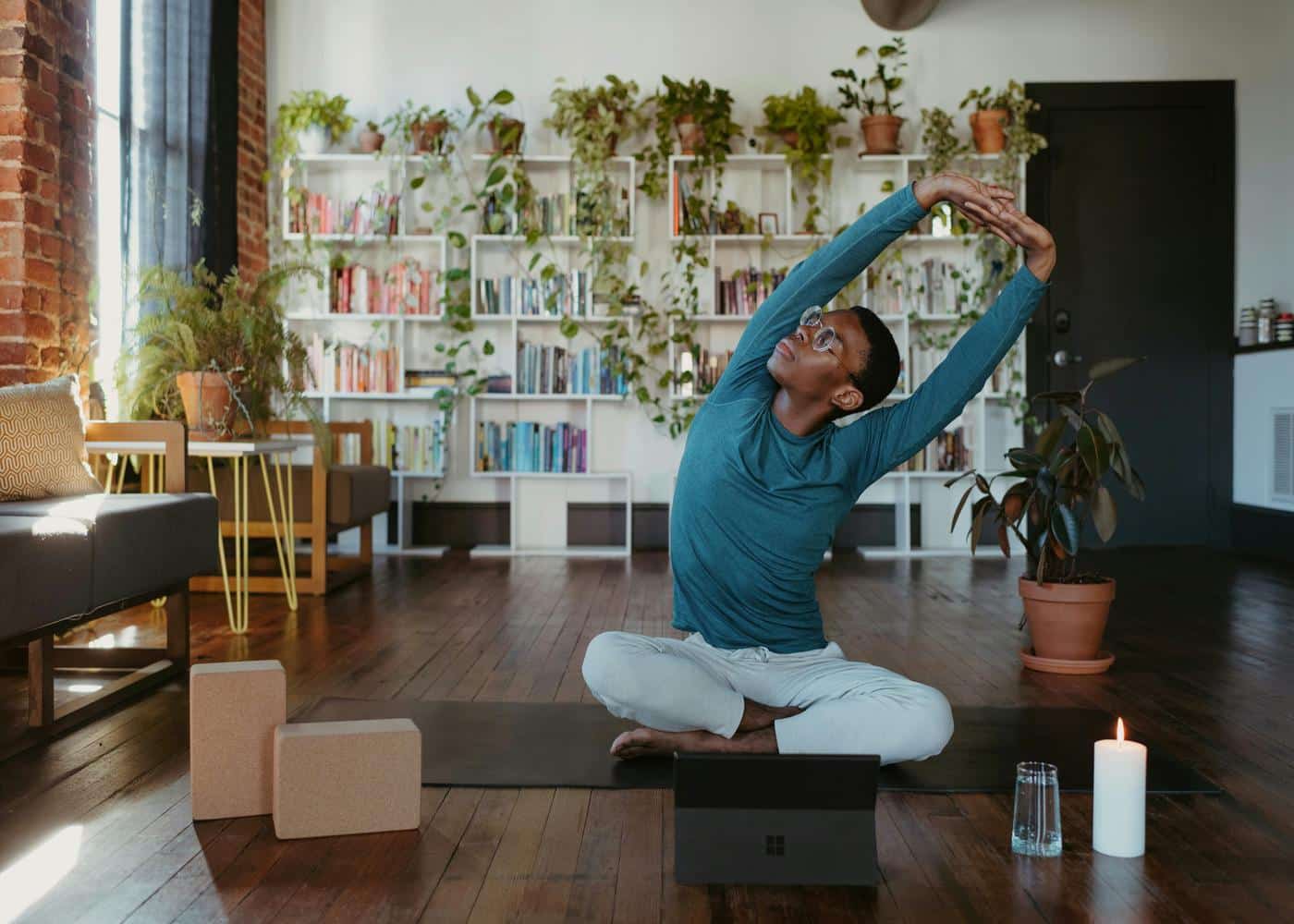
The human body was designed for movement, yet the modern office environment demands stillness.
When we sit for hours, certain muscles become chronically short and tight (like the hip flexors and chest), while others become long and weak (like the glutes and upper back).
This imbalance is the root cause of many common workplace ailments.
Incorporating desk exercises for office workers is not just about fitness; it is about injury prevention. Poor posture increases the load on the spinal discs and can lead to chronic headaches, reduced lung capacity, and decreased energy levels.
Neura Health highlights that many users face the challenge of low energy by the afternoon. Often, this slump is not just about nutrition but about poor circulation and physical stagnation.
Furthermore, these movements act as effective desk exercises for lower back pain. By strengthening the core and stretching the hips, you take the pressure off the lumbar spine.
Utilizing a "Health Operating System" like Neura allows you to track these trends over time, seeing how regular movement correlates with improved sleep quality and lower stress levels.
When you treat your body as a unified system, you begin to see that a few minutes of movement at your desk can have profound effects on your overall cardiovascular health and longevity metrics.
Final Thoughts: Posture Desk Exercises
Adopting a routine of desk exercises for work is one of the simplest yet most impactful changes you can make for your long-term health.
The goal is not to turn your office into a gymnasium but to ensure that your physical wellbeing is not sacrificed for professional productivity.
By integrating these movements into your daily life, you are taking an active role in maintaining your body’s alignment and functionality. You are moving beyond a sedentary habit and into a state of proactive wellness.
Remember that consistency is more important than intensity. Doing a single chin tuck or shoulder squeeze every hour is more beneficial than doing a long workout once a week and sitting still the rest of the time.
Small, frequent adjustments help retrain your nervous system and muscles to hold a healthier position naturally. Listen to your body, stay consistent, and use these simple movements to maintain a healthy, vibrant, and pain-free career.

Article FAQ
What are some quick exercises I can do at my desk?
Focus on high-impact movements like Desk Press-Ups, Standing Calf Raises, or Seated Leg Extensions. These require no equipment and can be performed in under sixty seconds to boost circulation. For more subtle options, try Glute Squeezes or Shoulder Blade Squeezes while typing.
What stretches are good for people who sit all day?
Target the muscles that become tight from sitting by using The Executive Stretch or the Doorway Chest Stretch to open the upper body. To address the lower body, the Seated Figure-Four Stretch releases hip tension, while the Seated Spinal Twist restores mobility to the mid-back.
How often should I perform desk exercises during the workday?
Consistency is more important than intensity. Aim to move for at least three to five minutes every hour. Breaking movement into small micro-sessions throughout the day prevents physical stagnation and is more effective than a single long workout followed by hours of sitting.
Can desk exercises really help with lower back pain?
Yes. Most office-related back pain is caused by tight hip flexors and a weak core. Regularly performing the Seated Cat-Cow to mobilize the spine and Desk Planks to engage the core helps redistribute the mechanical load away from the lower back.
How do I improve my posture while sitting at a computer?
Position your monitor at eye level to avoid "tech neck" and use Seated Chin Tucks to keep your head aligned. Physical awareness is key; frequently checking that your shoulders are back and your feet are flat on the floor will help reinforce better habits.
Is it better to stand or sit while working?
The most effective approach is dynamic. Neither sitting nor standing for a full eight hours is ideal. The goal is to change positions frequently, alternating between the two every thirty to sixty minutes while incorporating movement to keep joints lubricated.