Pre- and Post-Office Work Stretches For All-Day Flexibility
Fitness
Key Findings
Sedentary work causes postural collapse, tight hips, and rounded shoulders. Utilizing a three-stage routine of pre-work prep, desk micro-breaks, and post-work recovery can prevent chronic back pain and repetitive strain. Consistency is vital; while tension relief is immediate, structural improvements typically take two to four weeks of daily practice.
Modern professional life often requires us to spend the vast majority of our waking hours in a seated position.
While the digital age has brought about incredible productivity, it has simultaneously tethered our bodies to ergonomic chairs and glowing monitors. This sedentary lifestyle is a quiet contributor to chronic discomfort and reduced mobility.
However, by integrating a dedicated routine of work stretches, you can counteract the physical toll of the cubicle and maintain a body that feels as agile as your mind.
Why Stretching is Important for Office Workers
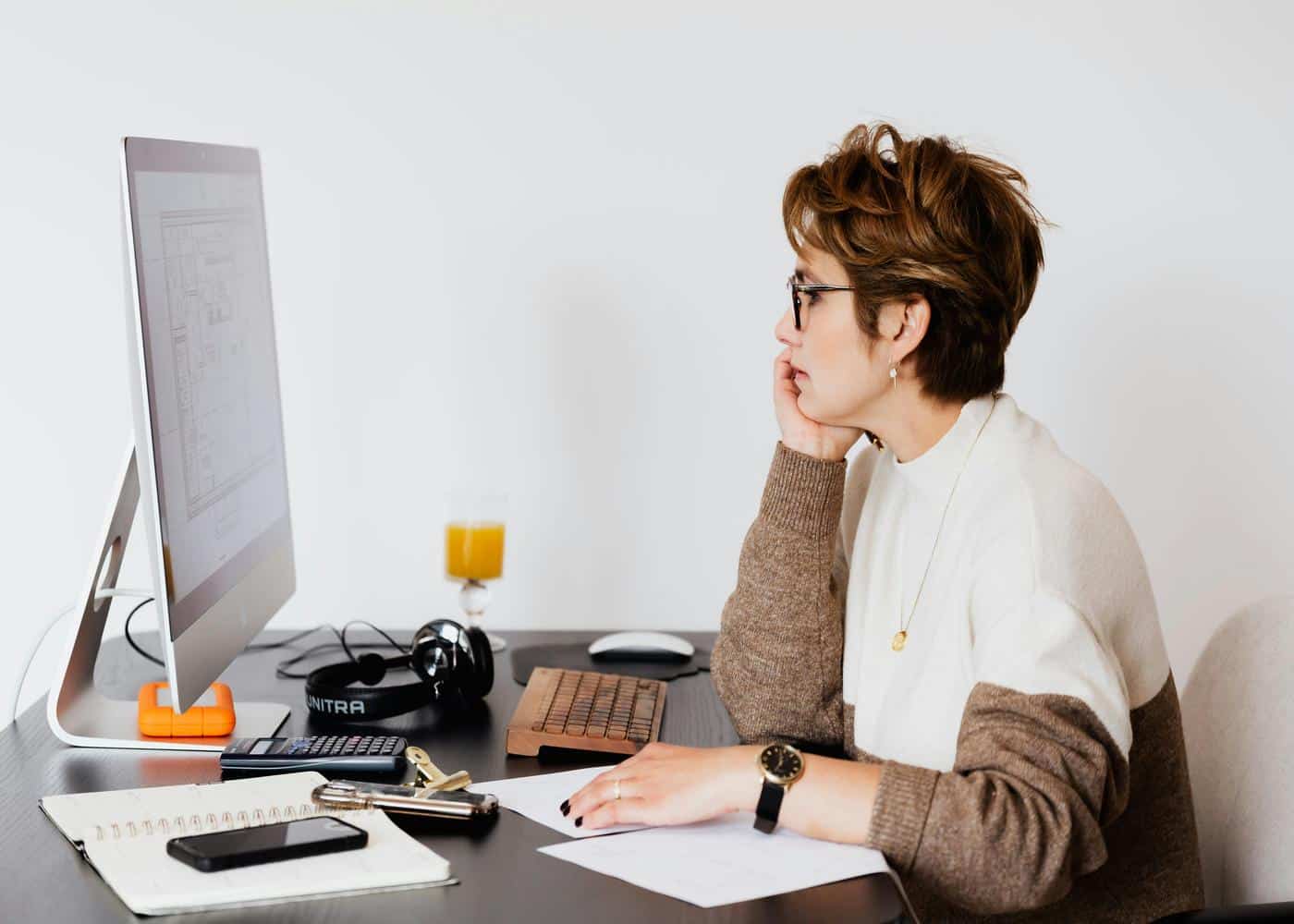
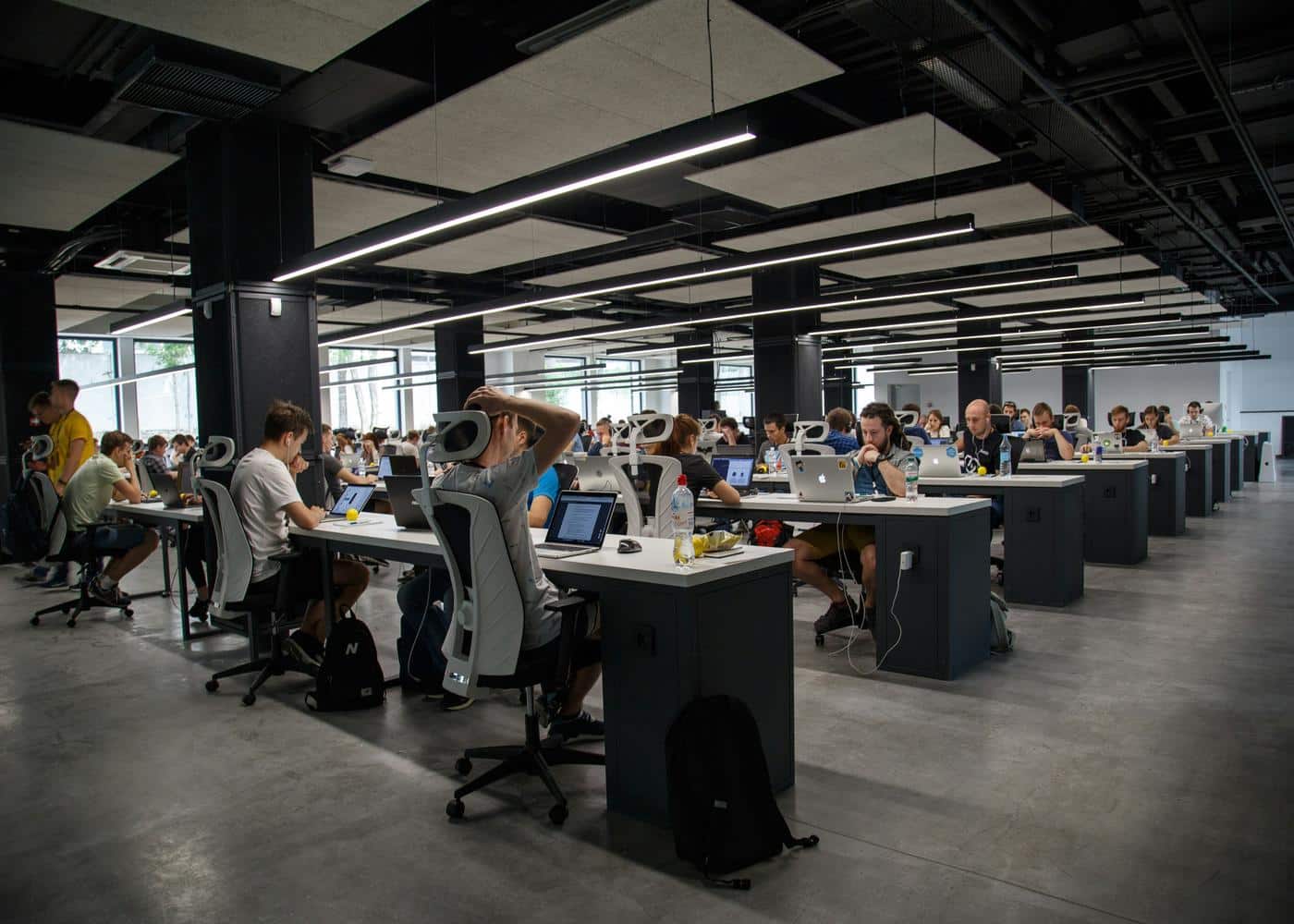
The human body was designed for movement, yet the average office worker spends upwards of eight to ten hours per day sitting.
This prolonged inactivity leads to a phenomenon often described as postural collapse. When we sit, our hip flexors remain in a shortened state, our glutes become underactive, and our shoulders naturally round forward to accommodate typing and mouse usage.
Over time, these temporary positions become permanent postural habits, leading to what medical professionals refer to as Upper Cross Syndrome or Lower Cross Syndrome.
The dangers of sitting too long extend beyond simple stiffness. Chronic sitting is linked to increased risks of cardiovascular issues and metabolic slowdown.
From a musculoskeletal perspective, the lack of movement causes the fascia, the connective tissue surrounding your muscles, to tighten and "glue" together. This results in a decreased range of motion and an increase in localized pain, particularly in the lower back and neck.
Common injuries for office workers include carpal tunnel syndrome, tension headaches, and lumbar strain. These are not just minor inconveniences; they are signals that the body is under mechanical stress.
Long-term effects can include spinal disc degeneration and chronic inflammation. By implementing a consistent stretching protocol, you actively pump blood into dormant muscle tissues, lubricate your joints with synovial fluid, and reset your nervous system.
Stretching acts as a necessary "software update" for your physical frame, ensuring that your biological hardware remains functional and pain-free despite the demands of your career.


Best Pre-Work Stretches to Unlock the Body
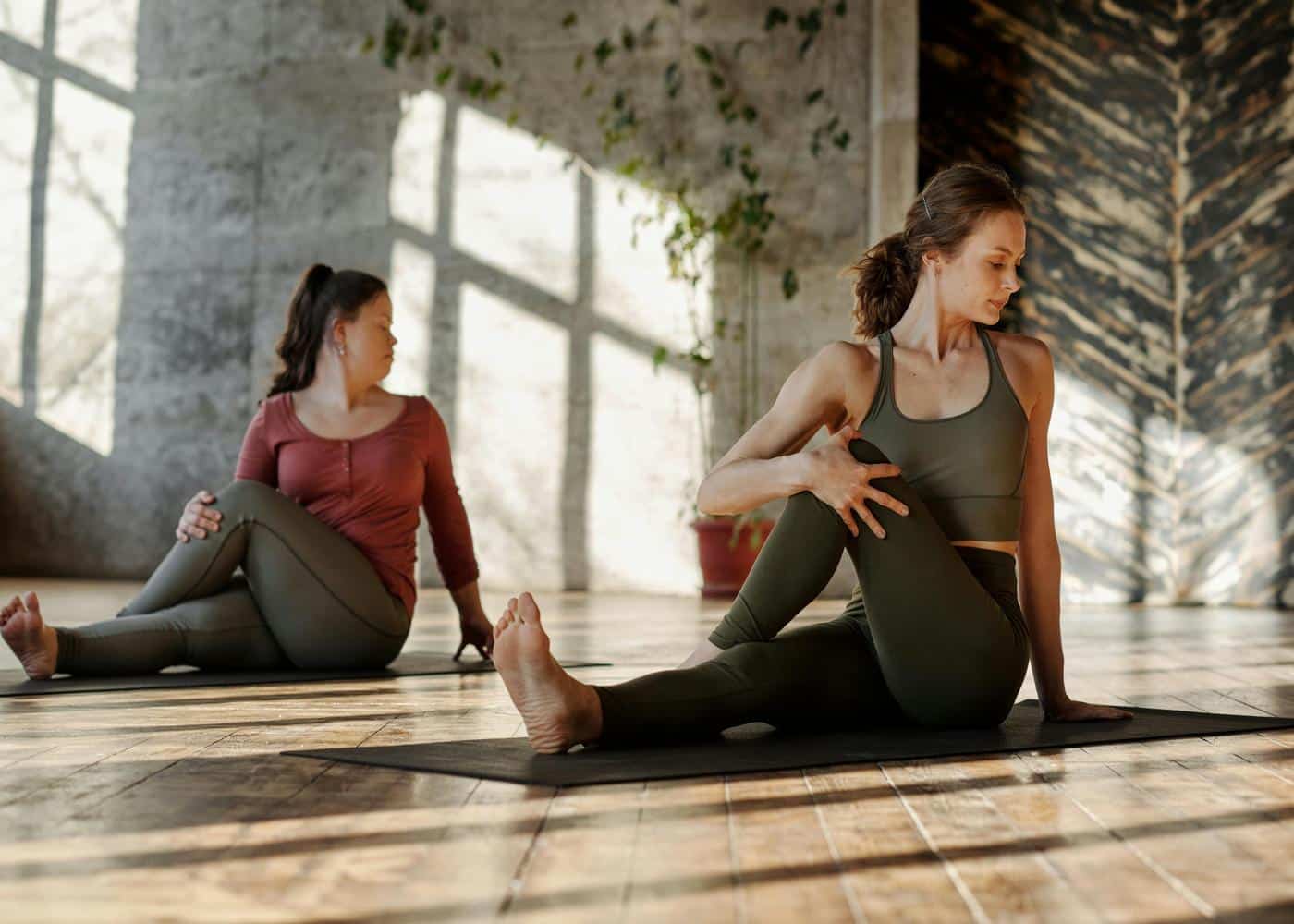
Preparing your body for a day of sitting is just as important as a runner warming up for a sprint.
Incorporating pre work stretches into your morning routine serves to wake up the nervous system and open up the joints that are most likely to seize up during the day.
This proactive approach ensures you start your shift with a neutral spine and relaxed musculature.
The Standing Cat-Cow
While usually performed on the floor, the standing version of this stretch is a fantastic way to mobilize the entire spinal column before you even leave the house. It encourages blood flow to the vertebrae and helps you find a neutral postural alignment.
How-To:
Stand with your feet hip-width apart and your knees slightly bent.
Place your hands on your thighs; as you inhale, arch your back, pull your shoulders back, and look slightly upward to open the chest.
As you exhale, round your spine, tuck your chin to your chest, and push through your mid-back.
Best For: Spinal mobility and relieving morning back stiffness.
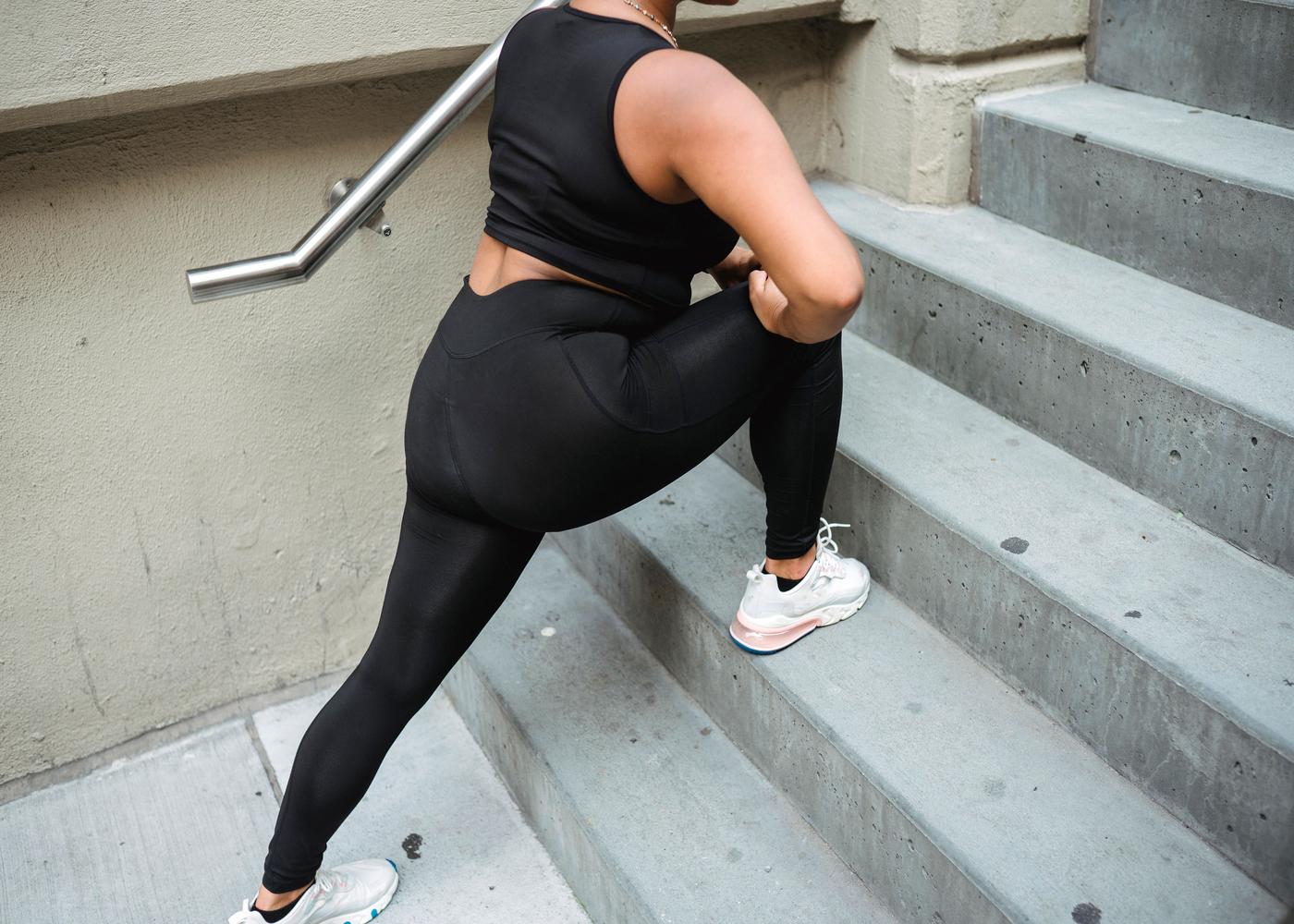
Dynamic Hip Flexor Opener
Sitting for hours puts your hip flexors in a constant state of contraction. Performing before work stretches that target this area can prevent the "pulling" sensation in the lower back that often occurs by mid-afternoon.
How-To:
Step into a shallow lunge with your right foot forward, keeping your torso upright and squeezing your left glute.
Gently push your hips forward until you feel a stretch in the front of your left hip.
Reach your left arm overhead and lean slightly to the right to deepen the connection through the psoas.
Best For: Counteracting the shortening of the hip flexors caused by seated positions.
The Doorway Chest Expansion
Rounded shoulders are the hallmark of the modern professional. This stretch uses a simple doorway to pull the shoulders back and open the pectoral muscles, which are often tight from typing.
How-To:
Stand in the middle of a doorway and place your forearms on the doorframe with your elbows at a 90-degree angle, level with your shoulders.
Lean forward through the doorway until you feel a broad stretch across your chest, keeping your head up and your core engaged.
Best For: Correcting "tech-neck" posture and opening the respiratory cavity.
Standing Quad Stretch with Reach
This movement combines lower body flexibility with upper body lengthening. It targets the large muscle groups of the legs while encouraging a full-body vertical extension.
How-To:
Stand on your left leg and pull your right heel toward your glute, grasping your ankle with your right hand.
Keep your knees close together and push your hips forward while simultaneously reaching your left arm straight up toward the ceiling.
Best For: Improving balance and lengthening the front of the thigh.
Lateral Side Reach
The sides of the torso, or the obliques and latissimus dorsi, often become compressed during long commutes or breakfast at the table. This stretch creates space between the ribs and the pelvis.
How-To:
Stand with feet together and reach both arms overhead, interlacing your fingers with palms facing up.
Keeping your weight evenly distributed on both feet, lean your upper body to the left as far as comfortable.
Hold for three deep breaths, feeling the rib cage expand, then return to center and repeat on the right.
Best For: Improving breathing capacity and lateral spinal flexibility.
Desk Work Stretches to Pass the Time
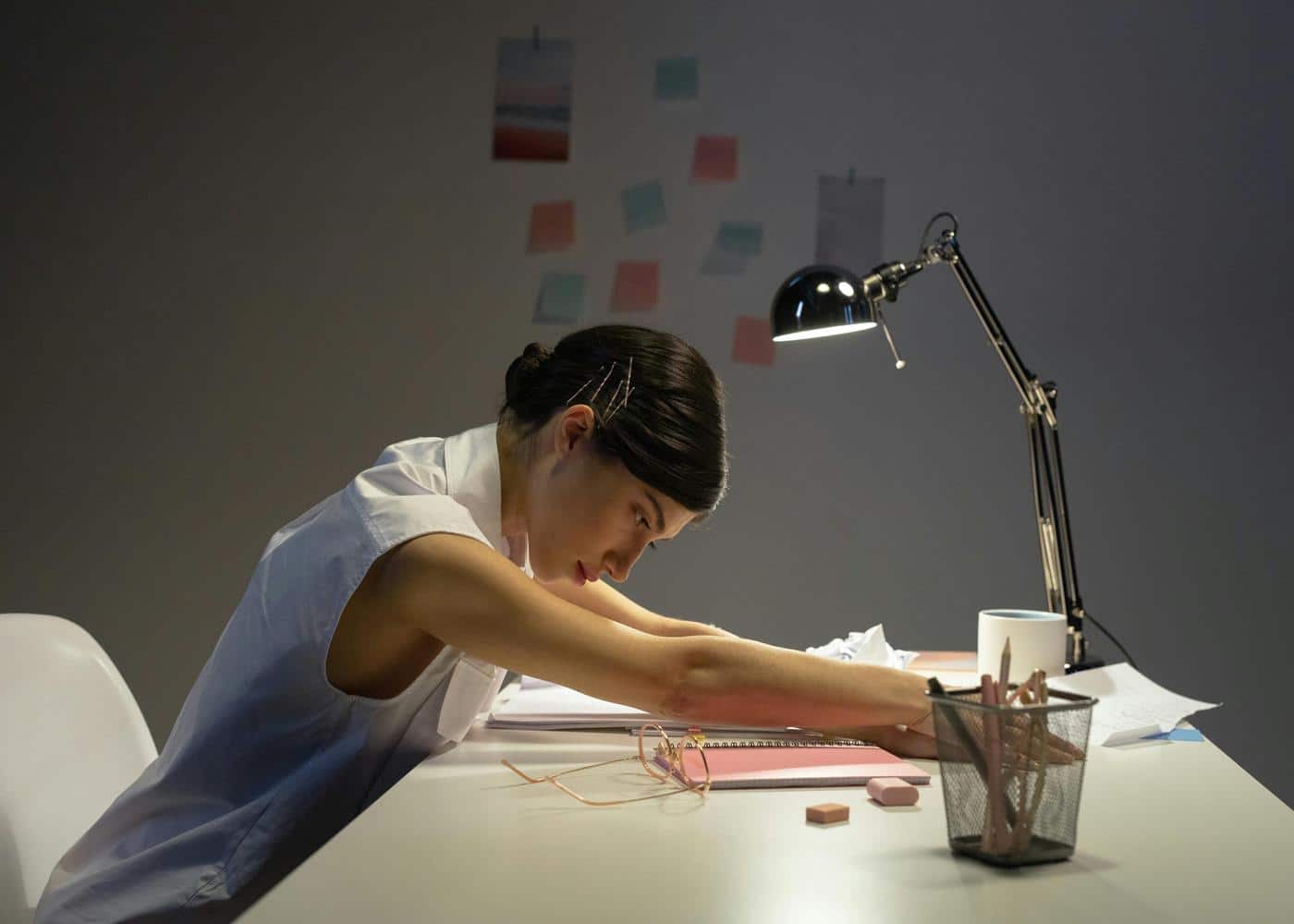
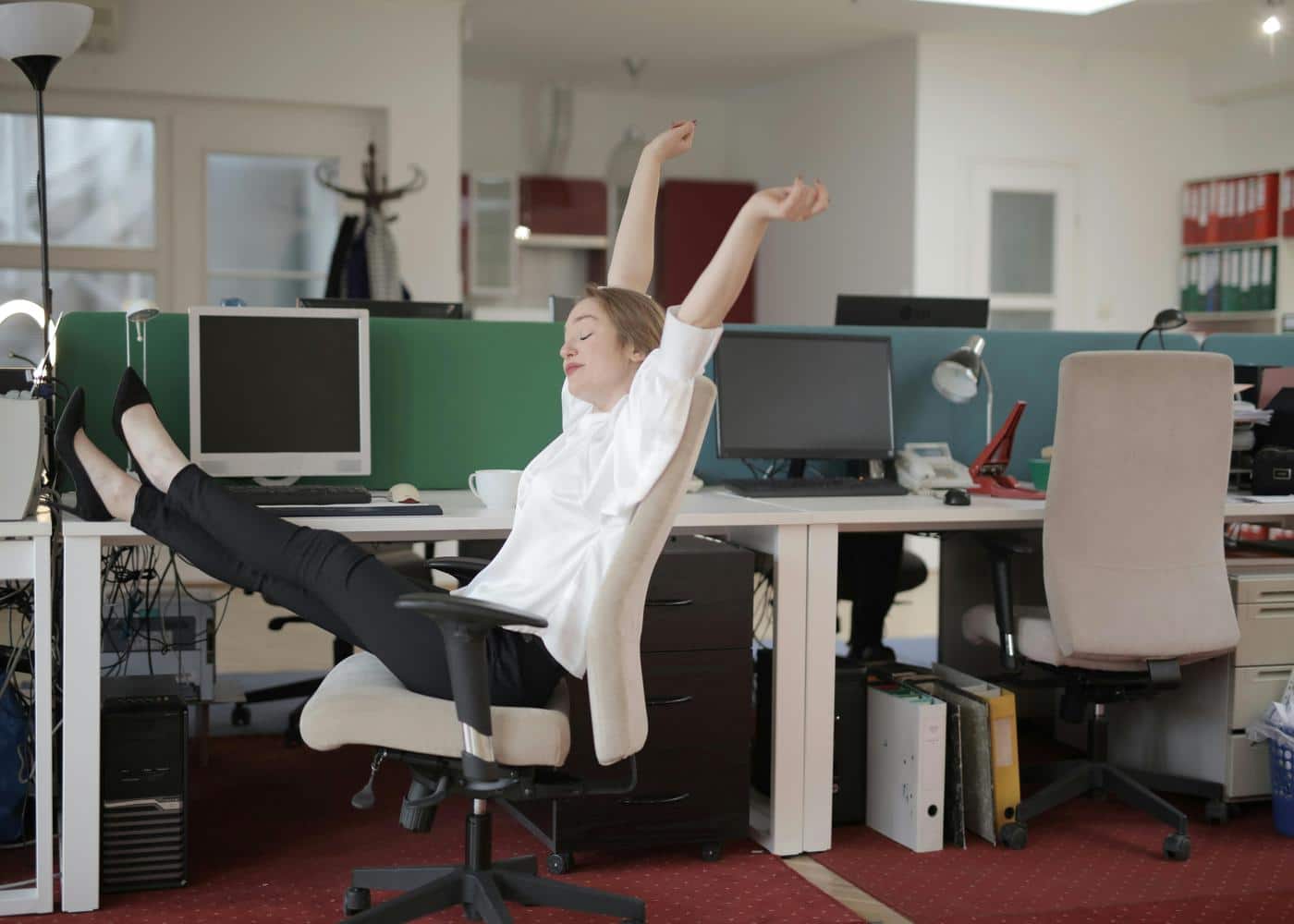
You do not need a yoga mat or a gym to maintain your health during the workday. Performing office stretches at your desk can be done discreetly between emails or during conference calls.
These movements are designed to be "micro-breaks" that prevent the buildup of tension throughout the eight-hour grind.
Seated Figure-Four
This is one of the most effective desk work stretches for relieving pressure in the piriformis and glutes, which often go numb after hours of sitting.
How-To:
Sit at the edge of your chair with your feet flat on the floor.
Cross your right ankle over your left knee, creating a "4" shape.
Keep your back straight and gently lean forward from the hips.
You should feel a deep stretch in your right outer hip and glute.
Hold for thirty seconds and switch legs.
Best For: Sciatica prevention and hip decompression.
The Seated Spinal Twist
When we stay in one position, our spine loses its rotational capacity. This twist helps to "wring out" the tension in the mid-back and improves digestive circulation.
How-To:
Sit upright with your feet flat.
Place your left hand on the outside of your right knee and your right hand on the back of your chair or the armrest.
Inhale to grow tall, and as you exhale, gently twist to look over your right shoulder.
Use your breath to deepen the twist rather than forcing it with your arms.
Best For: Relieving mid-back tightness and increasing spinal rotation.
Desk-Based Wrist and Forearm Release
Constant mouse and keyboard usage can lead to repetitive strain injuries. This stretch is a mandatory intervention for anyone spending significant time on a computer.
How-To:
Extend your right arm in front of you with the palm facing forward and fingers pointing up.
Use your left hand to gently pull your fingers back toward your body.
Then, flip the hand so the palm faces you and the fingers point down, and gently press on the back of the hand.
Best For: Preventing carpal tunnel and easing forearm fatigue.
Seated Neck and Upper Trapezius Stretch
Most office workers hold their stress in their upper shoulders. This simple movement helps drop the shoulders away from the ears.
How-To:
Sit tall and drop your right ear toward your right shoulder without lifting your shoulder to meet your ear.
For a deeper stretch, reach your left hand toward the floor or grab the bottom of your chair seat.
Place your right hand lightly on your head to provide very gentle guidance.
Best For: Relieving tension headaches and neck stiffness.
Under-Desk Leg Extensions
Keeping the blood flowing in the lower extremities is vital for preventing the "heavy leg" feeling that often accompanies a long day at the office.
How-To:
While seated, straighten one leg out in front of you under your desk.
Flex your toes back toward your shin and hold for five seconds, then point your toes away and hold for another five seconds.
Rotate your ankle in circles in both directions before lowering the leg and repeating with the other side.
Best For: Improving circulation and keeping the knee joints lubricated.
Post-Office Work Stretches for Rest and Recovery
Once the laptop is closed, your body needs a signal that the period of high-alert productivity is over.
Incorporating after work stretches allows your parasympathetic nervous system to take over, shifting you from "fight or flight" mode into "rest and digest."
These movements are more passive and should be held longer to facilitate deep tissue recovery.
The Wall-Assisted Pec Stretch
After a day of being hunched over, a more intense version of the chest opener is required. This post work stretches routine should prioritize reversing the forward-leaning bias of office work.
How-To:
Stand next to a wall, extend your arm behind you, and place your palm flat against the wall at shoulder height.
Slowly rotate your body away from the wall until you feel the stretch across your chest and the front of your shoulder.
Hold for at least sixty seconds to allow the fascia to release.
Best For: Deep chest opening and correcting shoulder internal rotation.
Legs Up the Wall
This is the ultimate recovery pose for anyone who has been sitting or standing all day. It uses gravity to assist with lymphatic drainage and reduces swelling in the ankles.
How-To:
Lie on your back and shimmy your hips as close to a wall as possible.
Extend your legs straight up the wall so your body forms an "L" shape.
Rest your arms by your sides with palms up.
Close your eyes and breathe deeply for five to ten minutes. T
Best For: Reducing lower body inflammation and calming the nervous system.
The Reclined Bound Angle
This pose helps to open the inner thighs and pelvic region, which can become incredibly tight and "locked" during long periods of seated work.
How-To:
Lie on your back on a comfortable surface, bring the soles of your feet together, and let your knees fall open to the sides.
If the stretch is too intense, place pillows under your knees for support.
Place one hand on your heart and one on your belly, focusing on deep diaphragmatic breathing.
Best For: Relaxing the pelvic floor and opening the adductors.
Kneeling Lat Stretch
Your lats are the largest muscles of the upper body and can become chronically tight from typing, which pulls the spine out of alignment.
How-To:
Kneel on the floor in front of a chair or couch.
Place your elbows on the edge of the furniture and bring your palms together in a prayer position.
Sink your chest toward the floor and tuck your head between your arms.
You should feel a significant pull along the sides of your back and under your armpits.
Best For: Decompressing the upper back and improving overhead mobility.
Child’s Pose with Side Reach
This classic yoga posture is excellent for grounding the mind while gently lengthening the lower back muscles that have been under load all day.
How-To:
Kneel on the floor, sit back on your heels, and fold forward, resting your forehead on the ground.
Reach both arms far out in front of you.
To add a stretch for the obliques, walk both hands to the far right until you feel a pull along your left side.
Hold for thirty seconds, then walk your hands to the left.
Best For: Lower back relief and mental relaxation.

Final Thoughts: The Best Stretches for Office Workers
The most effective stretching routine is the one you actually perform. Consistency is the primary driver of long-term flexibility and pain management.
By weaving these movements into the fabric of your workday, starting with morning preparation, utilizing micro-breaks at your desk, and finishing with evening recovery, you create a protective barrier against the physical erosion caused by sedentary work.
A proactive approach to movement transforms your desk from a place of physical strain into a space where you can remain productive without sacrificing your health.
Whether you are focusing on deep data-driven recovery or simply looking for foundational habit building, the goal is to move from a state of passive sitting to active living.
Prioritizing these daily stretches ensures that your body remains a capable vessel for your professional and personal ambitions, allowing you to finish your workday feeling energized rather than exhausted.
Article FAQ
What stretches should I do daily?
Focus on movements that reverse your desk posture. Daily essentials include chest openers to fix rounded shoulders, hip flexor lunges to release sitting tension, and spinal twists for mid-back mobility.
What stretches help lower back pain?
Lower back pain is often caused by tight surrounding muscles. Use the Seated Figure-Four to decompress the hips and glutes. The Standing Cat-Cow is also effective for mobilizing the lumbar spine and relieving stiffness.
How long do stretches take to work?
You will feel immediate relief from muscle tension after one session. However, permanent improvements in flexibility and posture typically require two to four weeks of consistent daily practice.
Can I stretch while sitting at my desk?
Yes. Simple movements like neck tilts, seated twists, and wrist releases can be done at your workstation. These small breaks prevent tension from building up during the day.
Is it better to stretch before or after work?
Morning stretches prepare your joints for the day, while evening stretches focus on deep recovery. Doing both is ideal, but evening sessions are better for relaxing the nervous system.
Do I need equipment for these stretches?
No equipment is needed. These exercises use your body weight or standard office furniture like a chair or wall, making them easy to perform anywhere.